Forum Discussion

Hide Report Sheet
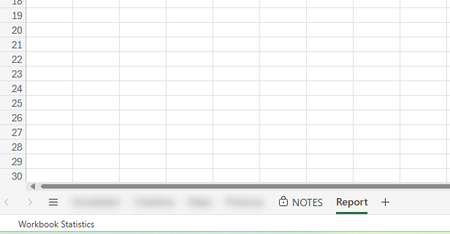

I see you have Excel for Web noted so macros won't work. That said, if YOU use that workbook in desktop YOU can unlock and unhide and hide and lock. I don't think you even need to use macros:
a) open in desktop app
b) right click tab and select 'hide'
c) choose Review menu and select 'Protect Workbook' and give password when prompted
using 'Protect Workbook' will (by default) prevent others from changing the overall workbook settings like adding or deleting or hiding OR unhiding individual sheets (tabs).
That said, this is NOT a means for truely confidential information as people with access to the workbook CAN circumvent this. This is more like those small locks you put on luggage zippers that are really easy to pick but they keep honest but curious people out.
In the web version you could just 'hide' the tab but that will have not protection so they could easily 'unhide' the tab.
Alternatively you could move that information into a different workbook and not give them access.
And yet another option is to use 'Link to this Sheet' to share each of the 5 sheets you do want to share but not the 6th sheet.