Forum Discussion

tmotaung
Jan 27, 2025Copper Contributor
Hide Report Sheet
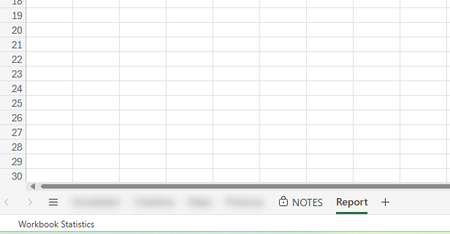
Good day Experts, I have 5 sheets and would like to protect and hide my report sheet from 4 other agents because it is confidential. How can I prevent them from opening the report. I tried to set a p...

Harun24HR
Jan 27, 2025Silver Contributor
You can set password to see the sheet. Means, when any user will click on the report sheet then Excel will prompt for password. If users do not know the password, they can't see sheet contents. Use the following codes in SheetActivate event. See the attached file. To prevent viewing password from VBA window, you must lock VBA project.
    Private Sub Workbook_SheetActivate(ByVal Sh As Object)
    Dim MySheetName As String

    MySheetName = "Report" 'The sheed which I want to hide.

    If Application.ActiveSheet.Name = MySheetName Then
        Application.EnableEvents = False
        Application.ActiveSheet.Visible = False
        response = Application.InputBox("Password", "Enter Password", "", Type:=2)

            If response = "123456" Then 'Unhide Password.
                Application.Sheets(MySheetName).Visible = True
                Application.Sheets(MySheetName).Select
            End If
    End If

    Application.Sheets(MySheetName).Visible = True
    Application.EnableEvents = True
    End Sub

tmotaung
Jan 28, 2025Copper Contributor
Good day, I am only using WEB and not VBA.