Forum Discussion

Formula in table doesn't calculate
- Dec 16, 2022
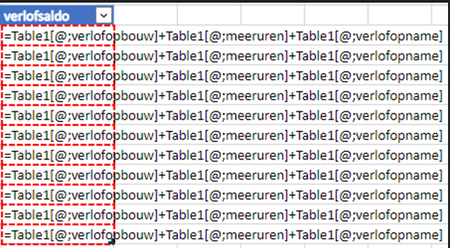
That's weird. When I create such a formula in the Dutch version of Excel Online, it also inserts a semicolon - see 1.
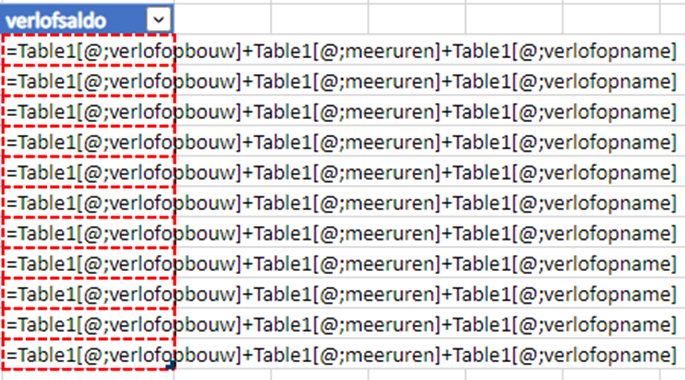
But when I remove the semicolon, the formula works as intended - see 2.

Thx for replying.
I created the formula by clicking on the cells. So Excel generated the notation with the semicolons (;).
When I remove the semicolons and give <enter>, Excel re-inserts the semi-colons and returns to the state as depicted in the original post.
Edit: it appears to be a problem with Excel online, because on Excel desktop app I cannot reproduce the problem. Unfortunately, security measures don't allow me to download the original excel file to my desktop.

Jan Balje By the way, it works correctly if I refer to the entire column:
=Table1[verlofopbouw]+Table1[meeruren]+Table1[verlofopname]
This formula will spill to the number of rows of Table1.
- Jan BaljeDec 16, 2022Tin ContributorI failed to get this working in the table, I kept getting #SPILL errors. I'm probably missing something.
In the end I just converted the table to a range and I could do what I want in no time at all.
It's Friday afternoon, after all.
Thx for the help.