Forum Discussion

Filtering data excluding empty values
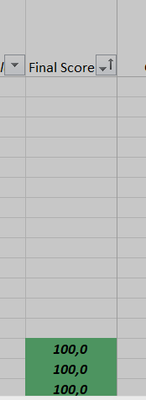

If you can't assign the missing values 0 then can you assign them -1? The next question is if you will be doing 'math' on those values? As for visual you can use a custom format to make either the zero values or make the negative values disappear.
->more number formats->custom->
make the negatives disappear 0.0; ; 0
make the zeros disappear 0.0;-0;
note I see your comma / period is opposite mine so you may need to adjust accordingly
another option is to format all the output as text but you will need to prepad any single or double digits with zeros or spaces to make them sort correctly.
you can do this with zeros using =TEXT( [formula] , "000.0")
or with spaces using =RIGHT(" " & TEXT( [formula] , "0.0") , 5)
just to clarify that [formula] part is ONLY the value output part as shown in this image:
notice the spaces are at the top as I sorted this A-Z to show the gaps. this worked for both column E (using zeros) and column F (using spaces).
note column D used the -1 and custom formatting but if you are forcing 0/0 to be 0 then that sorting will get mixed up so the text sorting options seem like they may work better for you.