Forum Discussion

Jookster1
Sep 06, 2019Copper Contributor
Excel worksheet formatting differently on different machines
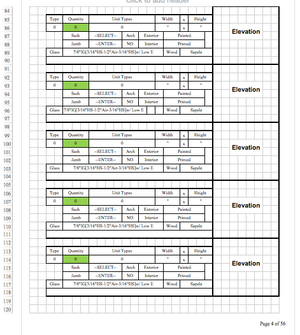
I created this pricing template for my company and, one of the requirements was to be able to produce a proposal on the last page with the inputted info. I formatted it so it fits nicely on my machin...

Sep 09, 2019
Hello Jookster1 ,
have all the screenshots been taken in Page Layout view? It's not quite clear.
In any case, how much content fits on one page is VERY MUCH dependent on the printer that each computer is using. Different printers have different capabilities. Some can print closer to the paper edge than others. I suggest you look at the Page Break Preview on all computers and compare where the dashed blue lines are.
If you need the content to be x pages, you may need to set manual page breaks and also use the print setting to scale (reduce the size), so the content fits on x pages wide by y pages tall. Fill in the respective x and y after looking at the Page Break Preview.