Forum Discussion

Excel toolbar and ribbon changed colour and content
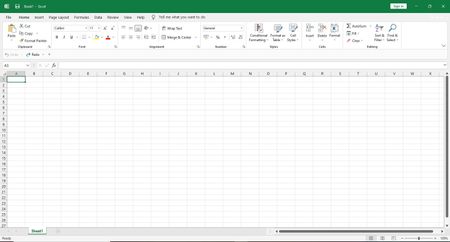


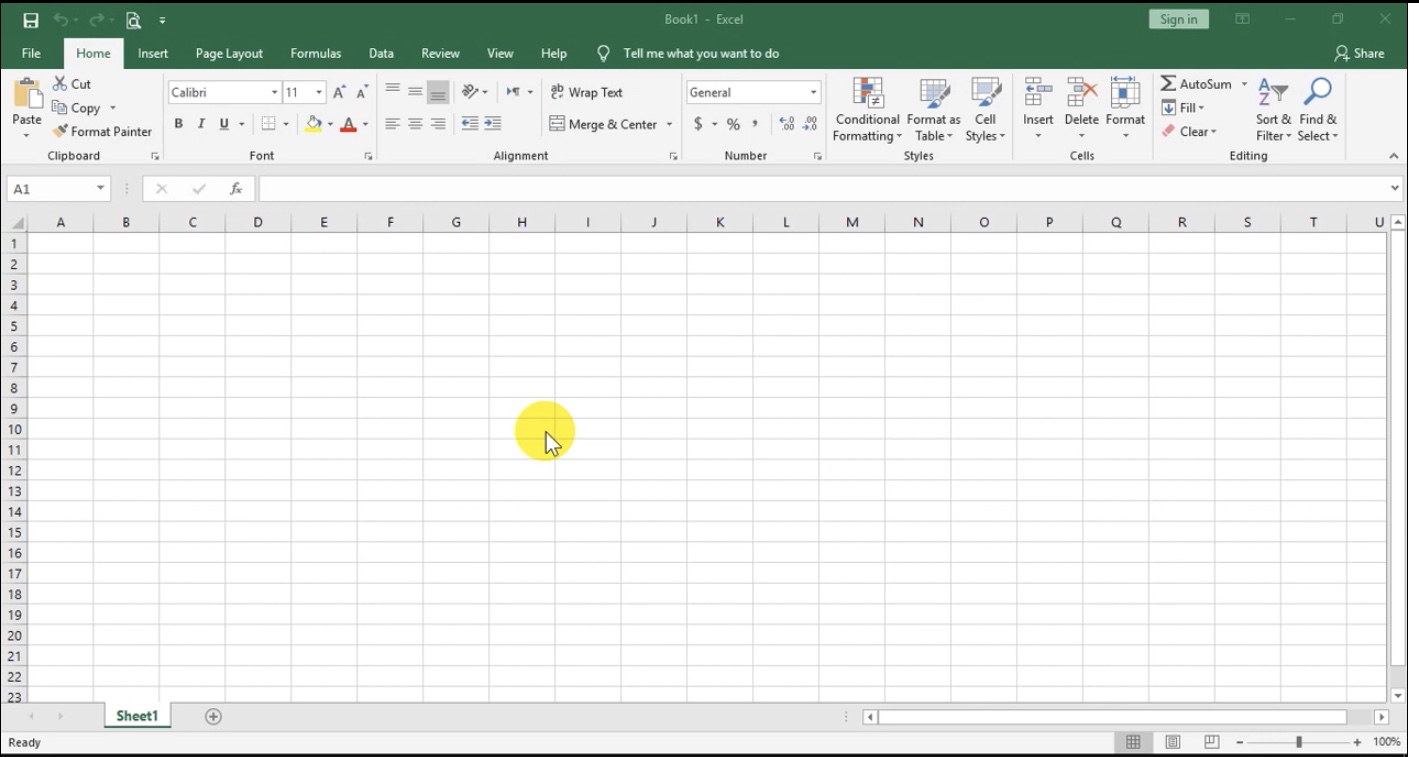

This is all due to an update rolled out recently, intended to bring the Excel interface more in line with Windows 11.
Microsoft 365 offers a way to undo this, but in other versions, you need a registry hack to do so - see here
But I expect more changes to follow, in other Office apps as well, so it's probably best to get used to it.
It should be possible to get Undo and Redo on the Quick Access Toolbar by selecting More Commands... from the dropdown menu on the right hand side of the QAT.
Cell styles such as Good and Bad will still be displayed if the Excel window is wide enough.

Thank you! I finally can recover those functions : )
Is it possible to level down the Quick Access Toolbar so that undo and redo are on the same level as save?
- HansVogelaarNov 29, 2021MVP
I hope Microsoft will rectify this in a future update, hopefully soon!
 Sageth96Jun 06, 2024Copper Contributor
Here is a simpler way to do it, from another post - https://answers.microsoft.com/en-us/msoffice/forum/all/how-to-expand-the-cell-styles-bar-on-a-new-ribbon/704f059b-687b-40c2-9d7d-275649e76f94
- Create a custom tab via the customize ribbon dialogue
- Add the Cell Styles command from the list
- In the right side window of the customize ribbon screen expand the new tab and new group
- Right-click the cell styles and take the tick away from 'Minimize Gallery'