Forum Discussion

Excel header width problem
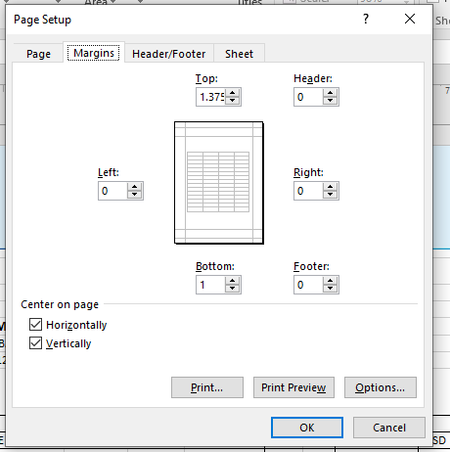

Hi Kabir1994
you probably can't. Usually, every printer has physical limits about the area that could be printed. In other words, depending on the printer, most likely there will be always a small space left, even if you set all the margins to zero. Again, this is a physical constrain of many printers.
 Kabir1994Jan 10, 2022Copper Contributor
Martin_Weiss But I always use adobe pdf while printing , sometimes use Microsoft pdf. as i am not printing to paper so ignore the physical limits of a printer . while printing to pdf it should be no border on both side of header and footer image. I have used 2 separate image for header and footer. i have no complain for other text . only need to align the header and footer image with a4 size page.
- Martin_WeissJan 10, 2022Bronze Contributor
Hi Kabir1994
I agree, there should be no blank margins on a PDF. Could you check, if you have activated this setting:
"Align with page margins"
It might make a difference.
- Kabir1994Jan 11, 2022Copper Contributor