Forum Discussion

Excel Data Model Pivot Charts do not update on Refresh All
 Sep 25, 2024
I tested the workaround suggested by SergeiBaklan and this did work for me. It appears Pivot Charts, without a Pivot Table, using data directly from the data model have a visual bug with refreshing. The way around it is to rebuild the chart with a pivot table as I don't believe there's anyway to attach a pivot table to a pivot chart after the fact.
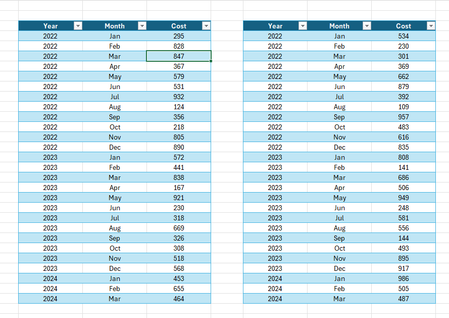
Although there's a workaround I still believe this is a visual bug. To emphasise this I rebuilt the workbook showing the issue (attached).
Two charts from the data model, with the exact same settings except one has a pivot table associated with it. Changing the source data and pressing Refresh All causes only the bottom chart to visually update:
Closing and reopening the workbook, modifying a filter or ticking defer layout update and then pressing update will all cause the top chart to visually update and show the same as the bottom chart. This is clearly not the intended functionality.
Strangely it does seem to update a pivot chart w/o a pivot table as long as there's a pivot table related to the pivot cache elsewhere in the workbook. But again, the original problem was a workbook with a lot of charts directly from a data model without any pivot tables.

I understood the problem well. Have you tested this code?
This code, contrary to what one might believe, does not update standard pivot tables (it acts on a specific collection)
For me it works.