Forum Discussion

Jackie0090
Dec 13, 2024Copper Contributor
Excel crashing when Copying many cells as Values to another Excel file
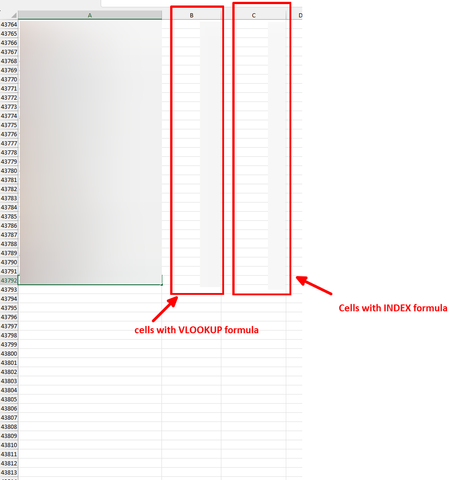
Hi everyone! I am working on a large Excel file that has a sheet with aprox 43k rows and column B with VLOOKUP formula, and column C with INDEX formulas: ...

NikolinoDE
Dec 24, 2024Platinum Contributor
Use Ctrl + C to copy.
Use Ctrl + Alt + V (Paste Special) > Values to replace the formulas with their results in the same file. This reduces the load during copying.
Select a smaller range, e.g., 1,000 rows at a time.
I hope that I was able to help you with your plans.