Forum Discussion

Drop Down Selection

Hi Mattman
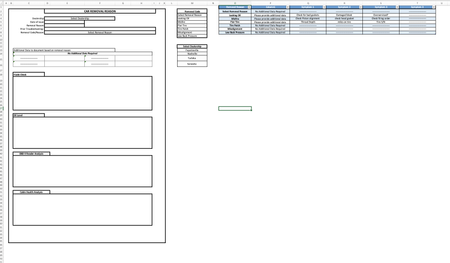
I would suggest to use Home: Conditional Formatting to guide the users to enter or not enter data.
Standard color choices from Home: Cell Styles: using Calculation and Input where Calculation may be eg Normal instead.
Since Leaking Oil is missing Symptom 4, F16 shows zero (I have not entered dashes in the source table) and thereby it is not expected to input anything in G16.
G15:G16 looks like input unless F15:F16 is zero.
When there is no symptom to show as label, the zero is suppressed by formatting (Ctrl+1) set to #.
You may also use Protection above to leave input cells unlocked and then Review:Protect the sheet - possibly without password.
Protection will though not be affected of the conditional formatting but makes it easier to enter data correct.