Forum Discussion

Chris Walsh
Mar 09, 2018Copper Contributor
Down arrow in Excel
I have a desktop computer which I'm having a problem with. I type 123 in one cell and get different results when I hit the down arrow to input the next number. I thought that the key pad had gone bad...

Jamil
Mar 14, 2018Bronze Contributor
Can you please confirm whether you use numeric key pad in your keyboard when entering these numbers?
Can you please also check if keyboard key for Numlock is not pressed/stuck.
can you open a blank workbook and then post its screenshot here?
Can you please also check if keyboard key for Numlock is not pressed/stuck.
can you open a blank workbook and then post its screenshot here?

Chris Walsh
Mar 19, 2018Copper Contributor
Jamil,
Yes, I'm using the numeric key pad (number keys at top are cumbersome and time consuming), however, I tried using numbers at top and problem seems to go away.
I have used 3 different keyboards (one being brand new) with same results so there is no problem with Num Lock key.
I don't know how to post a screenshot.
Yes, I'm using the numeric key pad (number keys at top are cumbersome and time consuming), however, I tried using numbers at top and problem seems to go away.
I have used 3 different keyboards (one being brand new) with same results so there is no problem with Num Lock key.
I don't know how to post a screenshot.
- JamilMar 30, 2018Bronze Contributor
you can use the windows built-in Snapping tool tutorial is posted here
once you have the screenshot then you can click on the icon "Photos" and upload the saved screenshot.
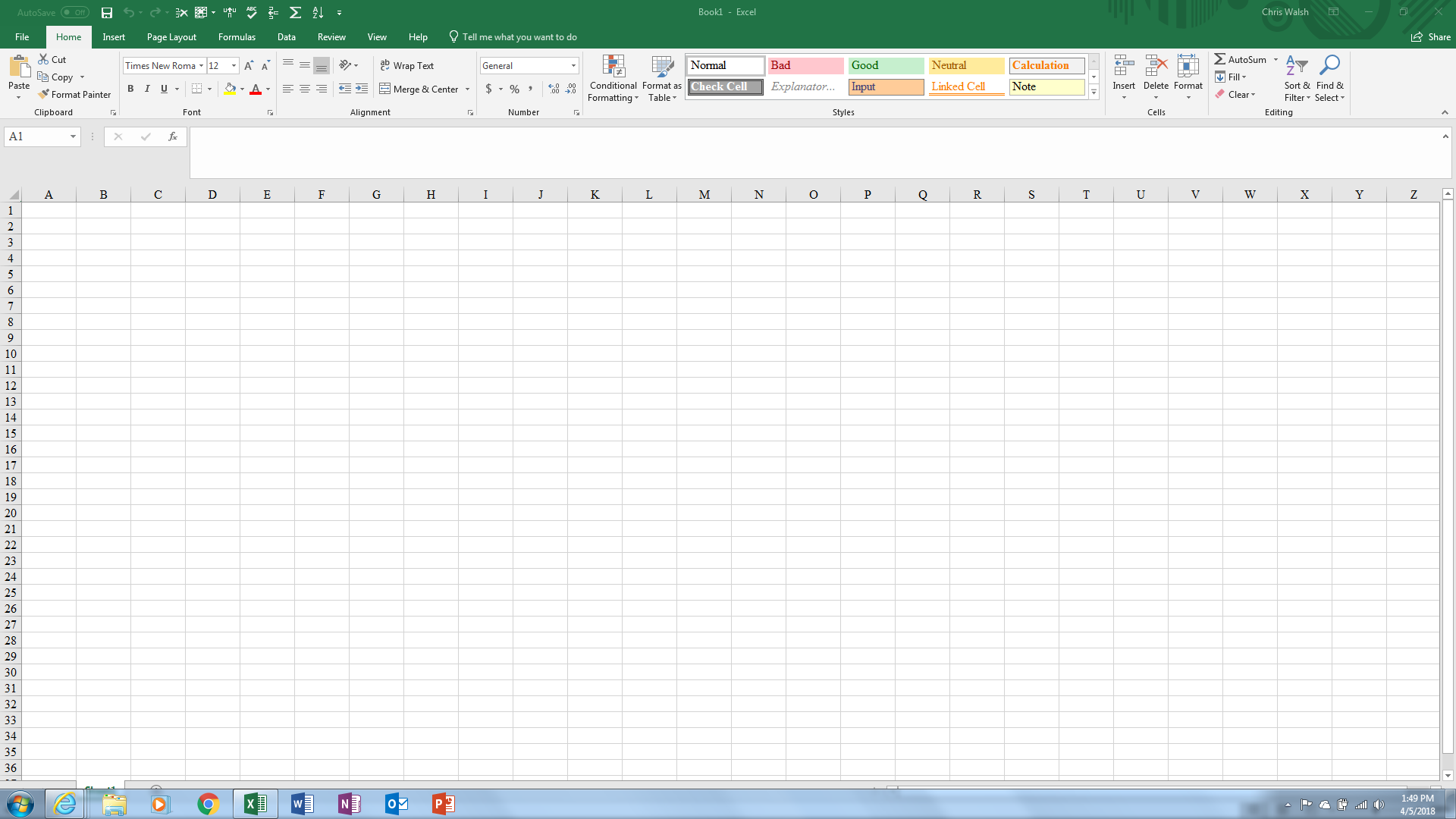
- Chris WalshApr 05, 2018Copper ContributorJamil, Sorry for the delay answering but here is the screenshot. (I hope)
- SergeiBaklanMar 31, 2018Diamond Contributor
By the way, it's not necessary to save/upload the screenshot. As soon as the image is in clipboard it's enough to open Photos, click at any place on gray zone (to take the focus) and paste the image by keyboard shortcut you prefer for the paste (Ctrl+V or Shift+Ins).
- JamilMar 31, 2018Bronze ContributorThanks Sergei.
Didn’t know that.