Forum Discussion

Do I need to write an IF Then function with Vlookup nested?
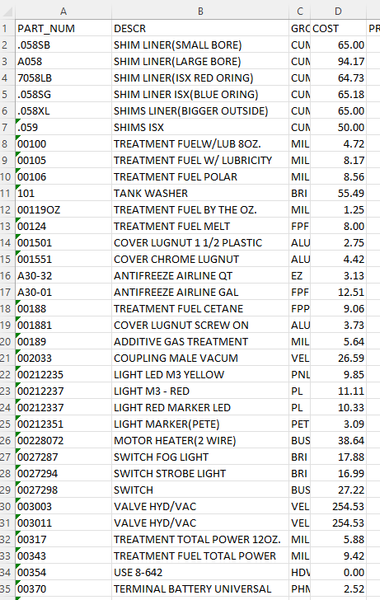

Hello Martin_Weiss - I also need similar assistance.
I need to the criteria from Sheet 2 columns A & B to match Sheet 1 with return data from column H
Sheet 1
Sheet 2

Hi AMCGWIER
according to your screenshots a assume you need to match columns B & C from sheet 1 with columns F & G from sheet 2, right?
There are at least two options.
Because VLOOKUP can usually handle only one criteria, you need to use a more complex array formula:
{=VLOOKUP(B4&C4,CHOOSE({1\2},Sheet2!$F$1:$F$1000&Sheet2!$G$1:$G$1000,Sheet2!$H$1:$H$1000),2,FALSE)}
Please note, that you must not enter the curly brackets around the formula manually. Instead, enter the formula without curly brackets and confirm it with the key combination CTRL+Shift+Enter. This will convert it an an array formula and add the curly brackets automatically.
(If you use Microsoft 365/Office 365, you could enter this formula without any special key combination)
The second option would be helper columns in both tables, which combine the two fields:
And then you could use just a regular VLOOKUP:
=VLOOKUP(A4,Sheet2!$E$1:$H$1000,4,FALSE)