Forum Discussion

Disable conditional column form?
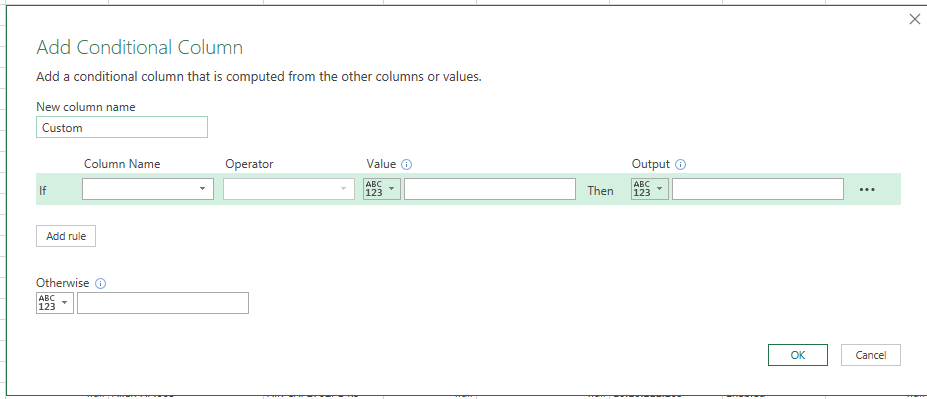
Hi! When adding a custom column I prefer to add the logic as "basic" code. When editing the logic sometimes when the logic is "simple" I get a form (see attached screenshot). Is it possible to disable the forms function and always getting the "pure code" up instead (without having to open the Advanced Editor)?
2 Replies
- Yury TokarevSteel Contributor
Hi Thomas,
you can add 'Custom Column' instead of 'Conditional Column' and put your logic formula in the 'Custom Column' dialogue, for example, something like "=if [Column Name to Check]=YourCondition then result1 else result2".
Yury
 Thomas WernerheimCopper Contributor
Hi and thanks for your response!
I wasn't very clear i believe.
When editing a custom column and if the logic is simple enough I always get the "advanced" Conditional column form according to Screen1 image attached.
I would rather always get the "pure" text form (as illustrated by the Screen2 image)
I wonder if it is possible to disable the "advanced" form?
/Thomas