Forum Discussion

Thomas Wernerheim
Oct 08, 2017Copper Contributor
Disable conditional column form?
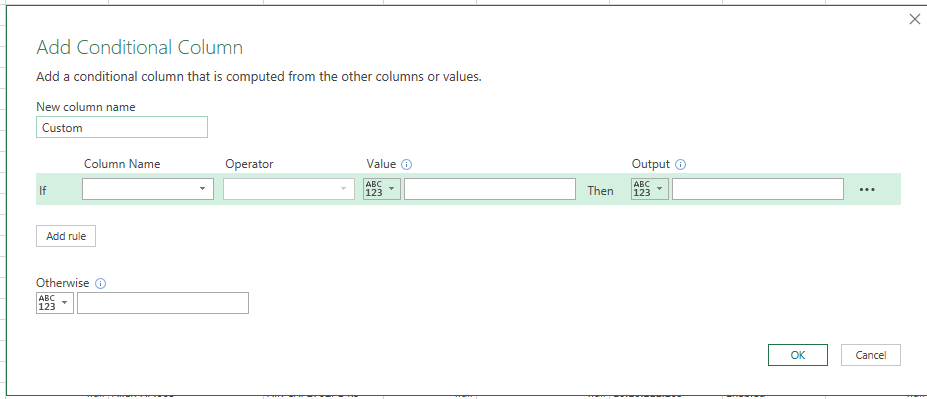
Hi! When adding a custom column I prefer to add the logic as "basic" code. When editing the logic sometimes when the logic is "simple" I get a form (see attached screenshot). Is it possible to disabl...

Yury Tokarev
Oct 30, 2017Steel Contributor
Hi Thomas,
you can add 'Custom Column' instead of 'Conditional Column' and put your logic formula in the 'Custom Column' dialogue, for example, something like "=if [Column Name to Check]=YourCondition then result1 else result2".
Yury
 Thomas WernerheimOct 30, 2017Copper Contributor
Hi and thanks for your response!
I wasn't very clear i believe.
When editing a custom column and if the logic is simple enough I always get the "advanced" Conditional column form according to Screen1 image attached.
I would rather always get the "pure" text form (as illustrated by the Screen2 image)
I wonder if it is possible to disable the "advanced" form?
/Thomas

