Forum Discussion

msoneil
Aug 27, 2021Copper Contributor
Delete a shortcut key??
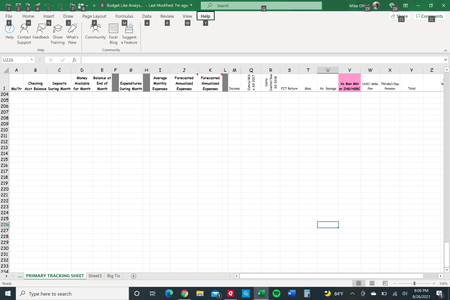
I recently purchased a Surface Pro 7 and have an old Dell. The Dell had a 'problem' in Excel that whenever I hit the "/" key it would initiate a shortcut, I think, where the "/" was not entered and t...
- Aug 27, 2021
Select File > Options.
Select Advanced in the navigation pane on the left.
Scroll all the way down.
Make sure that the check box in the section "Lotus compatibility" is NOT ticked.

HansVogelaar
Aug 27, 2021MVP
Select File > Options.
Select Advanced in the navigation pane on the left.
Scroll all the way down.
Make sure that the check box in the section "Lotus compatibility" is NOT ticked.

msoneil
Aug 27, 2021Copper Contributor
HansVogelaar THANK YOU SO MUCH FOR SHARING THAT!!! I truly appreciate your help and as you already are aware --- it worked like a charm.