Forum Discussion

lucioxiii
Feb 08, 2022Copper Contributor
Deactivate 'Select Multiple items' in a pivot table filter
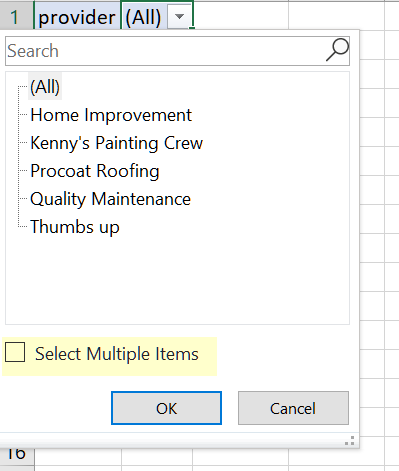
Hi, I was wondering if there is a way to deactivate the 'Select Multiple items' in a pivot table filter? This is to help ensure that the user has a no option to select multiple items. I know ...

JKPieterse
Feb 08, 2022Silver Contributor
Here is a work-around:
- Insert a slicer for that field
- Copy the pivottable to a separate worksheet where you drag that field to the row-area and delete all other fields from the pivot table
- Set the Report connections of the slicer to both pivot tables
- Suppose your new pivot table is on Sheet3 and the new pivot is in column A
- Add this formula next to the "Provider" filter, next to the cell that currently says "(All)":
=IF(COUNTA(Sheet3!A:A)>2,"Please select only one item!","")
See attached