Forum Discussion

CSV change column type
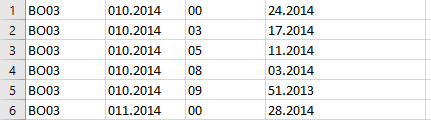

daviduribemora1 Do not open a CSV directly in Excel. Import it via the legacy text wizard or use Get&Transform Data, from CSV/TXT. Then you have the chance to explicitly instruct Excel to treat columns as Text or something else. When you open it directly, Excel guesses what you want to achieve and formats anything that looks like a number as a number disregarding leading zeroes as in your case.
 Jaustin1417Nov 28, 2023Copper Contributor
Riny_van_Eekelen Thanks this was helpful. The problem for me is that when I close to load it, it includes a header row and has formatted it into a table and the requirements for my upload doesn't allow a header.
- Riny_van_EekelenNov 28, 2023Platinum Contributor
Jaustin1417 Then you used the "From Text/CSV" option. That starts Power Query and indeed loads the result back as a table with headers.
If you go for the "Legacy wizard, from Text" it doesn't do that. Then it will be the same as when you use the Text-to-columns button.
Perhaps the link below will help you on your way.