Forum Discussion

chealy79
Feb 23, 2023Copper Contributor
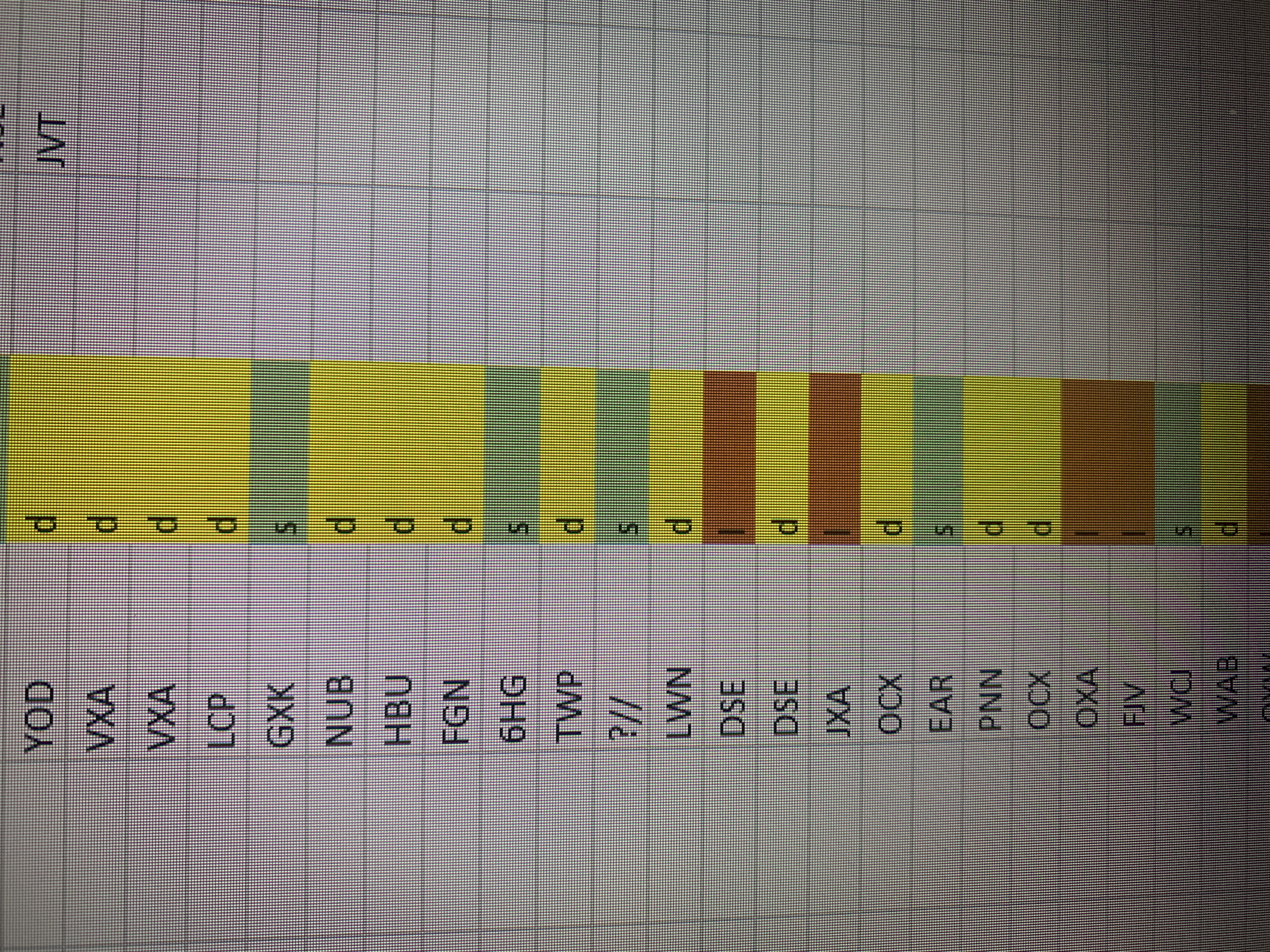
counting how many cells are the same in a column of ever changing rows
I have a spreadsheet where I have to count how many cells in a column are the same... For example my column is made up of either "S" "D" or "L" cells..... Ideally I would like to create a dashboard ...

HansVogelaar
Feb 23, 2023MVP
Convert your data range to a table.
Create a pivot table based on the table.
Add the S/D/L column to both the Rows area and the Values area of the pivot table.
After changing the source table (editing values, adding or removing rows), you only need to refresh the pivot table.

chealy79
Feb 23, 2023Copper Contributor
hi Hans.... this doesn't seem to work how I need it to...... the issue is I am always adding to the spreadsheet columns with new data.... for example im currently upto column BAP........ which will be ever expanding.... what I'd like is to have a count of how many S's, D's and L's on a daily basis.. if im adding a new column every day... is there any other way perhaps ?
- HansVogelaarFeb 23, 2023MVP
Do you mean that you enter data in a different column, or do you insert columns so that the L/D/S column shifts to the right?
- chealy79Feb 23, 2023Copper ContributorIm constantly adding data to the columns to the right... every day I add a new column of data... (just by scrolling right... im not physically "inserting" columns
- HansVogelaarFeb 23, 2023MVP
Thank you for your private message.
The problem is that a formula or pivot table cannot use the currently selected range, wherever that is, as source data.
Would it be OK to use VBA code? All users would have to enable macros, and it wouldn't work in Excel Online, nor on Android or Apple phones/tablets.