Forum Discussion

Combining data from multiple tables according to item name
- Jul 15, 2022
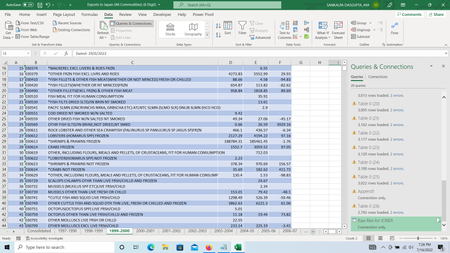
sankalpa280 Obviously, you are already working with structured tables and Power Query. Create a query that connects to all relevant tables in the current workbook. Expand the content column and group by item. Finally create a pivoted table in PQ or a regular pivot table in Excel.
A simplified example is attached.


I am not sure I follow 100% so make a suggestion based on my guess of what you are doing. I assume you have your consolidated results in Sheet1 and all your trade records for one year in Sheet2, Sheet3, ... Suppose each trade sheet was named the same as the column header in Sheet1 in which you are trying to consolidate the result. You can then address each sheet via INDIRECT by reference to the column header. Assuming that all trading records share the same format - perhaps |Item|Quantity|Date| or similar - then the fact that the sheets contain different number of record don't need to stop you - just oversize the range. So you can write =SUMIFS(INDIRECT(colName&"!B1:B1000;colName&"!A1:A1000;rowItem).