Forum Discussion

sparisi
Dec 11, 2025Copper Contributor
Changing width of columns
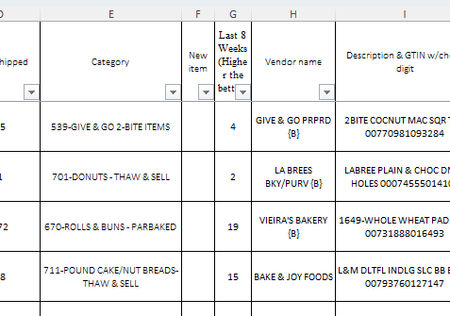
When I just change the width of one column (by placing cursor between columns, excel changes the look and cant continue unless I change the Zoom in bottom left. I do not have this issue when cha...

Leina
Dec 11, 2025MCT
✅ Solutions (Try in this order)
🔹 Solution 1: Change the Zoom to a stable percentage
At the bottom-right corner of Excel, change the zoom to:
100% (best)
90%
80%
Zoom levels like 125% often cause rendering issues exactly like the one in your screenshots.
🔹 Solution 2: Turn off Freeze Panes
Go to:
View → Freeze Panes → Unfreeze Panes
Then try resizing the column again.
🔹 Solution 3: Switch to Normal View
Go to:
View → Normal
If you are in Page Layout View, resizing columns can distort the entire sheet.
🔹 Solution 4: Clear Filters
Sometimes filters cause redraw glitches.
Go to:
Data → Clear Filters
Then resize the column again.
🔹 Solution 5: Fix Windows Display Scaling
Go to:
Settings → Display → Scale
Set it to:
100% (recommended)
Or 125%
Then restart Excel.