Forum Discussion

mabfrazer
Sep 01, 2023Copper Contributor
Better Way merge Excel Data to printable Customer Profile Publication
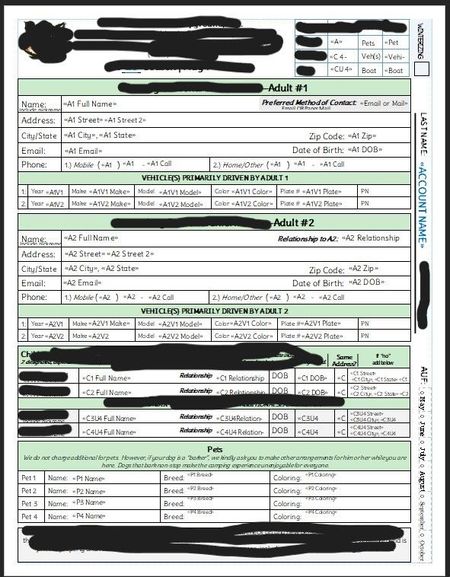
Hello All, Every year I have to take our customers' data from within Excel and create an intricate form with Publisher > Mail Merge. I have to smush a bunch of tables into the file that is suppos...

peiyezhu
Sep 01, 2023Bronze Contributor
Make space for new/future data fields/tables?
Can you provide some raw data.and your expected result which maybe.helpful to visualize what kind of automation you want to achieve.
- mabfrazerSep 07, 2023Copper ContributorFor example, if the customer adds additional people to their account, I would want to auto populate a new table that shows additional person(people) data = names, addresses, phone, email, vehicle, children, etc.
If the customer doesn't have additional people, I don't want those extra tables to be there. As it is now, I have to custom create extra forms for each extra person.
I'd also love to have it flag fields that are missing data, so that when the form prints, it makes a list of fields that need to be addressed.- peiyezhuSep 07, 2023Bronze Contributorhttps://support.microsoft.com/en-us/office/vlookup-function-0bbc8083-26fe-4963-8ab8-93a18ad188a1
vlookup?
How about fill the form from a list from.another worksheet with vlookup?- mabfrazerSep 13, 2023Copper ContributorI'm not familiar with this feature but I'll certainly check this out.