Forum Discussion

Annoying Chart Pop-Up window I can't get rid of
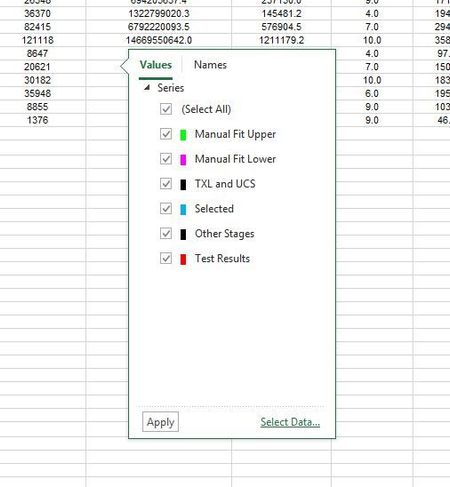

I figured it out!
I hope this works for you -
Click off of the chart, then onto the chart, hover, then hope for these icons to show up.
When they do, click the '+' icon, and it goes away. Phew.

I've never posted on this forum before, but it brought me here to address an irritation and it's the only article I can find about it. I've found the solution! Wanted to share it with anyone who stumbled upon this in the same way I did.
Jim's solution is 99% of the way there and helped me immensely. For me at least the only difference was that it's the FILTER icon (the one like a funnel) and not the "+" icon. Click the funnel (which you did accidentally once already, which is why you're reading this) and the problem goes away!
 Suraj_MultaniMay 06, 2025Copper Contributor
Finally a solution that works!!! Thank you so much for sharing this.
- Jon-PeltierMar 20, 2025Copper Contributor
It depends on which icon's flyout is visible. Clicking a different button causes the visible one to go away and brings up the one for the freshly-clicked icon.
And while it may go away for now, before long it will be back.