Forum Discussion

Adding existing VBA/Macro in Private Function to new Workbook
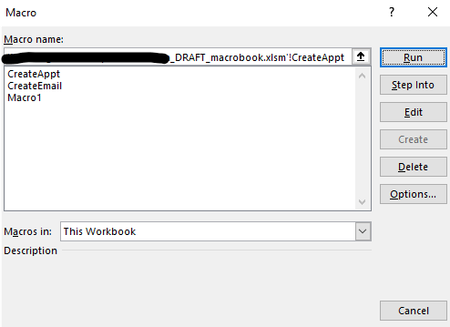

The macro should be in a standard module created by selecting Insert > Module in the Visual Basic Editor.
Code in the worksheet modules and in ThisWorkbook (both under Microsoft Excel Objects) won't be listed in the Macros dialog.
 burnskrlFeb 06, 2025Tin Contributor
Great! Thanks for that help. I created a new module and pasted the existing Macro code there. When I select to 'Run' the Macro, it is prompting me to name it, but wouldn't that cause it to be listed in the dialog?
- HansVogelaarFeb 07, 2025MVP
Oh wait - I should have seen that!
A macro is a procedure (Sub) without arguments. Your code is a function, not a procedure! Moreover, it has an argument ws. So you cannot run it as a macro.
I apologize for missing that.
- burnskrlFeb 07, 2025Tin Contributor
Do you have a suggestion on how I might be able to get it to run in my new workbook even though it isn't a macro? Is there a way to have functions run? My guess is yes, but I am still new to this level of Excel, so it is a bit over my head at the moment. Happy to learn though!!