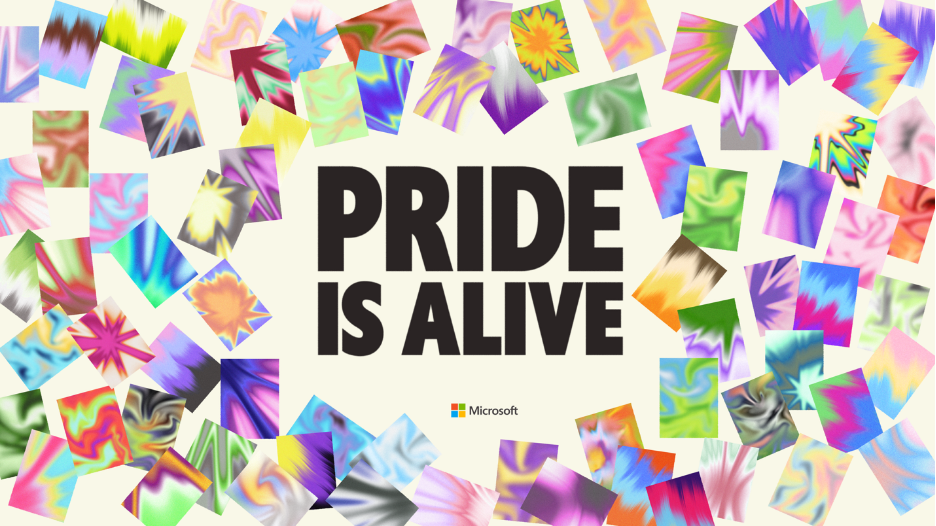
Hello, Microsoft 365 Insiders! I’m Hugo Garcia, a Product Manager on the Apple Experiences team. I’m thrilled to announce the return of our special Pride Month theme in Microsoft Outlook, Word, Excel, PowerPoint, and OneNote for Mac and for iOS.
Show your Pride with rainbow accents
At its heart, Pride has always been about community. It’s the chosen family who celebrate us, and the simple, powerful act of being seen. And this year’s Pride isn’t just about showing up. It’s about choosing to live openly, visibly, and fully, and gathering with the people who make that possible. Pride endures, because you do.
The “Show Your Pride” theme is one small way to bring that spirit into the apps you open every day. When the rainbow accents show up in your inbox or across a document you’re working on, it’s a reminder that you belong, that you’re part of something bigger, and of the vibrant community that supports each other. It’s a warm way to carry that visibility with you, wherever the day takes you.
How it works
On Mac
- To set the theme in Outlook, open the app on your Mac device, then select Settings > General and pick your preferred Pride theme under Theme.
- To set the theme in Word, Excel, PowerPoint, and OneNote, open the app on your Mac device, then select Preferences > Show Your Pride.
You’ll notice rainbow accents throughout the app!
On iOS
- To set the theme in Outlook, open the app on your iPhone or iPad, then select Home > Settings > Appearance and pick your preferred Pride theme.
- To set the theme in Word, Excel, PowerPoint, or OneNote, open the app on your iPhone or iPad, select your profile photo, and then select Settings > Show Your Pride.
Enjoy the animated home screen and colorful accents in your favorite apps!
Get more involved with Pride
Be sure to check out the Microsoft Pride page to learn more about the many other ways you can keep Pride alive with us, from open-source design assets on Figma and GitHub to new wallpapers, Teams backgrounds, and inspiring employee stories.
For more than three decades, Microsoft and its employees have supported LGBTQIA+ communities, contributing more than $37 million to nonprofit organizations worldwide. We’re proud to keep contributing to a more inclusive future for all.
Availability
This feature is available to all Mac and iOS users in select markets.
Feedback
We want to hear from you! If you have feedback or suggestions, please let us know. On your Mac device, you can use the Send us a Smile 🙂 or Send us a Frown ☹ buttons in the top-right corner of the app. On your iOS device, you can select your profile photo, then Help & Feedback > Tell Us What You Like or Tell Us What Can Be Better.
Learn about the Microsoft 365 Insider program and sign up for the Microsoft 365 Insider newsletter to get the latest information about Insider features in your inbox once a month!

Learn about the Microsoft 365 Insider program at https://aka.ms/MSFT365InsiderProgram
For technical support and break/fix questions, please visit Microsoft Support Community.

