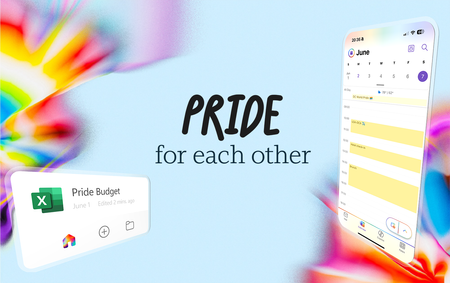
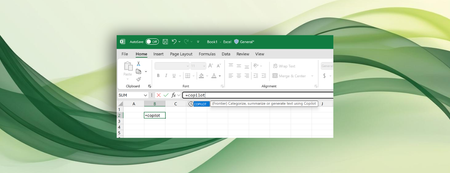
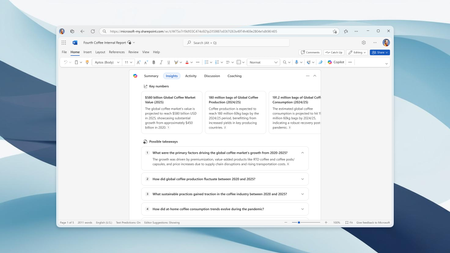
Most RecentNewest TopicsMost LikesMost ViewedKeyTips now available in Office for Mac Get quick access to actions—no clicking needed—with KeyTips. Celebrate Pride Month with a special theme for Mac and iOS Our special Pride Month theme in Microsoft Outlook, Word, Excel, PowerPoint, and OneNote has returned! Show your Pride in Microsoft 365 for Mac and iOS Celebrate Pride Month with these themes in Outlook, Word, Excel, PowerPoint, and OneNote. Goodbye Together mode, hello simplified meeting layouts in Microsoft Teams Beginning June 30 th , the Together mode experience in Microsoft Teams will no longer be available. Paste Text Only shortcut in Word Copy and paste text from a website into a document. Control data conversions in Excel for Windows and Mac Check out improved Automatic Data Conversion settings, now also available in Excel for Mac. Shaping Copilot across Word, Excel, and PowerPoint Learn about updates we're making based on your feedback to give you more control over how Copilot appears in your favorite apps. Bring AI to your formulas with the COPILOT function in Excel Enter a natural language prompt in your spreadsheet, reference cell values as needed, and watch Copilot instantly generate AI-powered results. New Zoom shortcuts in Word Zoom in and out of your page and document to the right level for your screen with shortcuts. More insights from Microsoft 365 Copilot in Word’s document summary Enterprise customers will soon get key insights, activity and comment highlights, and content suggestions in Word for Windows, for Mac, and for the web.