Your database disappeared for seven seconds. Was that an outage, a maintenance event, or a gap in how your application handles reconnects?
We get some version of this question a lot. A batch of login failures shows up in the logs, a few commands fail with error 40613, and then everything goes back to normal before anyone can look. This post covers what's usually going on, how to investigate it properly, and how to design your application so these moments don't turn into incidents.
Brief disconnects are part of running in the cloud
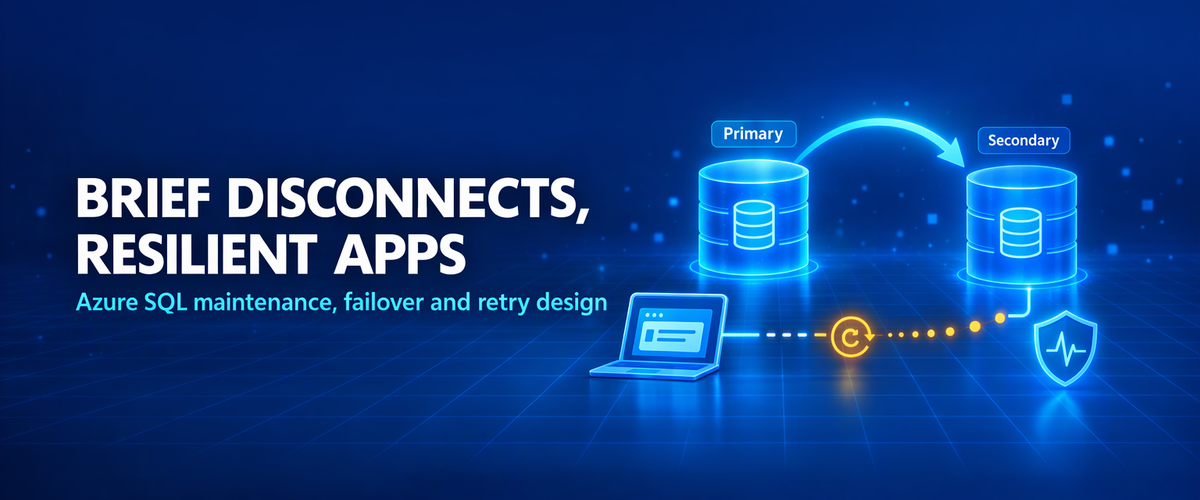
Azure SQL Database runs every database on more than one replica. To patch, upgrade or rebalance the service, Azure moves the primary role from one replica to another. While that happens, existing connections are dropped and new connections can be refused for a short time.
Most of these switch's finish within seconds. Your application will see them, though, and the planned maintenance documentation is clear that applications are expected to handle them.
It helps to think of this as three responsibilities:
| Who | Responsibility |
|---|---|
| Azure SQL | Keeps the service available and carries out replica switches as quickly and safely as possible |
| Your application | Reconnects safely after a short interruption |
| You, as the operator | Make planned maintenance more predictable where the service supports it |
If any one of these is missing, a routine event can become a customer-facing problem.
What happens during a primary switch
At a high level:
- A secondary replica is ready to take over.
- The current primary stops accepting work, and connections to it are closed.
- The new primary comes online and starts accepting connections.
- The gateway sends new logins to the new primary.
During steps 2 and 3, your application can see:
- Dropped connections in the middle of a query
- Login failures
- Error 40613
Planned vs. unplanned switches
- Planned: maintenance, upgrades and patches. You can influence when these happen (see below).
- Unplanned: hardware or software failures, or recovery actions. These can happen at any time.
The client has to handle both kinds of the same way. A maintenance window helps with the first. Only retry logic in your application helps with both.
Recognizing transient errors
Microsoft documents a list of errors that are expected to be transient and safe to retry. The ones you'll see most often:
| Error | Meaning |
|---|---|
| 40613 | Database is not currently available. Please retry the connection later. |
| 40197 | The service hit an error while processing your request |
| 40501 | The service is currently busy |
| 49918, 49919, 49920 | Can't process the request right now because of too many operations in progress |
You'll also see lower-level network errors, such as an existing connection being forcibly closed or a TCP timeout.
Network error vs. database switch: a socket or TCP error on its own doesn't prove that the database switched replicas. Firewalls, NAT timeouts, proxies and client network issues produce similar errors. Error 40613 is a much stronger signal that the database itself was briefly unavailable.
One application error is not one server event
When you add up the failures in your application logs, remember:
- One replica switch can produce dozens of errors: one for each pooled connection, thread or retry attempt.
- Some errors in the same time window may have nothing to do with the switch.
- Errors that happen at the same time as a switch aren't automatically caused by it.
In one investigation we worked on, short bursts of login failures lined up closely with upgrade-related replica switches. That timing explained most of the bursts, but not every failure the application reported, and it didn't prove exactly how each login failed.
In another case, command failures during a brief switch were confirmed. The high resource usage seen around the same time was kept out of the root cause, because the evidence didn't show that it contributed.
That's the right standard to hold yourself to. Show the connection with evidence and be clear about what the evidence doesn't explain.
Build a UTC timeline
Before you draw any conclusions, put everything on one timeline in UTC:
- Application errors, with exact timestamps
- Resource Health events for the database
- Service Health notifications
- Deployments, scaling and configuration changes on your side
- Network changes, such as firewall, proxy or DNS updates
Mixing time zones is the most common reason two sets of logs "don't line up."
To make that timeline easy to build, capture these fields for every failed attempt:
UTC timestamp
SQL error number
Client connection ID
Operation attempted (login, read, write, commit)
Retry number
Retry outcome (succeeded / failed / gave up)
Application node / host
Database name
If you open a support case, this information shortens the investigation a lot.
Designing the reconnect
The pattern is simple:
try the operation
   ↓
failed with a transient error?
   ├── no  → fail normally and surface the error
   └── yes → still within the retry limit?
                ├── no  → fail and log it
                └── yes → wait (exponential backoff + jitter)
                           → open a new connection
                           → try again
A few points matter here:
- Limit the retries. For example, 5 attempts with a total time limit. Endless retries just hide an outage.
- Back off exponentially and add jitter. For example, wait about 1 s, 2 s, 4 s, 8 s, each plus a small random delay. Without jitter, every instance retries at the same moment and you get a reconnect storm.
- Open a new connection for each retry. Don't keep using the one that just failed.
- Retry the operation, not just the login. A dropped connection in the middle of a query needs the query to run again.
- Use what your driver already offers. For example, Microsoft.Data.SqlClient has configurable retry logic and connection settings such as ConnectRetryCount and ConnectRetryInterval.
Be careful with retried writes
Retrying a read is harmless. Retrying a write can be risky.
If the connection drops while a transaction is committing, you may not know whether the commit succeeded. Retrying blindly can insert duplicate orders, send a payment twice, or apply the same change twice.
Ways to protect against this:
- Use an idempotency key, such as a unique request ID with a unique constraint, so a repeated attempt is rejected or ignored.
- Check before you retry. Did the row already arrive?
- Keep transactions short, so less work is in flight when a connection drops.
Make planned maintenance predictable
By default, maintenance can happen during a wide window. In supported service tiers and regions, you can choose a maintenance window that fits your business, such as weekday or weekend nights in the region's local time.
Two related features:
- Advance notifications: when a non-default maintenance window is set, you can receive a Service Health alert ahead of planned maintenance.
- Service Health alerts: send planned maintenance and service issue notifications to email, Teams or your incident tooling.
These make maintenance more predictable, but they don't replace reconnect handling. Unplanned switches still happen, and an application that can't reconnect will still fail inside a well-chosen window.
Production resilience checklist
- Transient errors (including 40613) are retried with a retry limit, exponential backoff and jitter
- Each retry opens a new connection
- Writes are idempotent, or checked before they're retried
- Failed attempts are logged in UTC, with the error number, connection ID and retry result
- Alerts fire on retries that gave up, not on every transient error
- A maintenance window is configured where supported
- Service Health and Resource Health alerts go to the right team
- Reconnect behaviour has been tested, for example with a user-initiated manual failover in a non-production environment
Summary
Cloud databases switch replicas, and resilient applications reconnect. Getting those two to work together is mostly an application design problem, not a database problem. A few seconds of disconnection is normal. Whether your users notice it depends on how your application responds.

 Microsoft