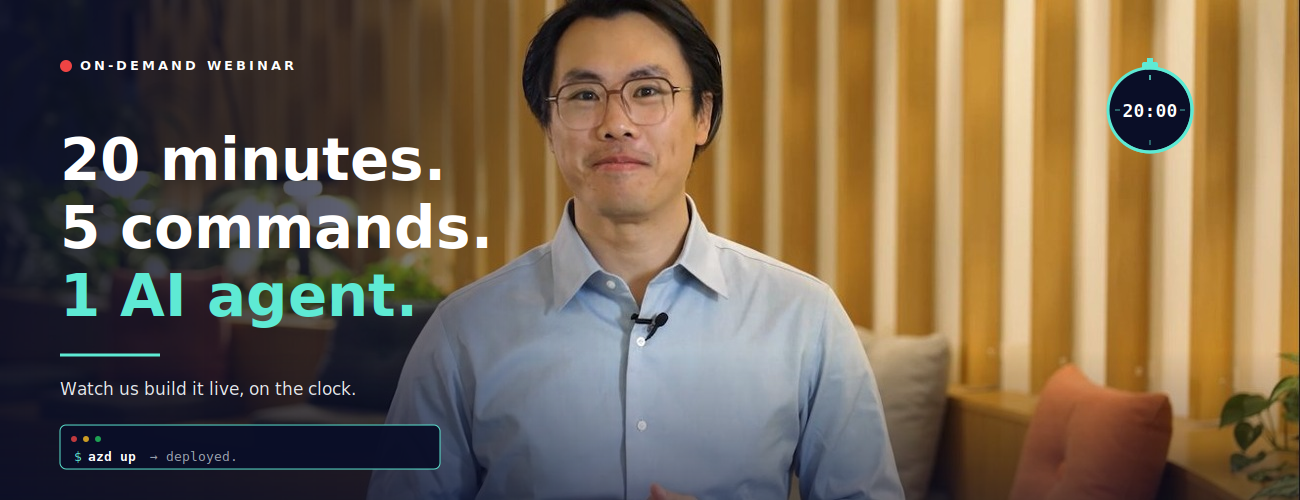
We Gave Ourselves 20 Minutes to Build an AI Agent for a Lumber Company. The Timer's Still on Screen.
Here's a confession: most "build with AI" webinars are 60 minutes of slides, 5 minutes of a polished demo someone rehearsed for a week, and a closing CTA. You leave inspired but not really sure what you saw.
So we tried something different.
We put a visible countdown timer on the screen and gave ourselves 20 minutes to do two things, live:
- Build an AI agent that solves a real business problem
- Deploy a working AI application to Azure
No edits to hide the awkward parts. No "and here's one I prepared earlier." Just the timer, the screen, and a working app at the end.
The on-demand recording is up now. Here's what's in it and why you should carve out 20 minutes for it this week.
The setup: why lumber? 🏘️
We needed a real business problem, not a toy one. So for the demo, we role-play as the owner of Contoso Lumber — a regional lumber business with a very specific, very real headache:
Should we sell our inventory now, or hold it longer?
Sell too early, miss a better price. Hold too long, eat storage costs. Lumber prices fluctuate with global competition, macro shifts, even the weather. In the past, decisions like this came from morning meetings and gut instinct, or maybe the occasional ad-hoc spreadsheet that nobody could reuse a month later.
It's the kind of decision that should have an analyst behind it — except most growing businesses can't afford to hire one full-time.
So we build the AI agent that does.
(Yes, lumber. We know. Stick with us — the boring industry is exactly the point. If it works here, it works for your business too.)
What we actually build (in 20 minutes flat)
The webinar walks through the entire flow, end to end:
Part 1 — The agent. We open Microsoft Foundry at ai.azure.com, browse the model leaderboard (there are over 11,000 models to choose from — we compare a few on the cost-vs-quality chart), pick one, write a plain-English instruction for the agent, upload a CSV of historical lumber pricing, and ask it a real question:
"If I cannot sell one of my products today unless I offer my clients a 35% discount, and knowing the historical pricing data, should I still sell it?"
The agent runs a break-even analysis and comes back with a reasoned recommendation — hold for 3–6 months, here's the math on why, here's where storage costs start eating the upside.
Then we add voice mode (now you can ask the agent for pricing recs from a coffee shop on your phone), and lock down guardrails to block jailbreaks, prompt injection, data leakage, and — because we're feeling fancy — profanity in responses.
Part 2 — The app. With the agent done, we pivot to deploying a full AI chat application to Azure. From scratch. Using exactly five commands in Azure Cloud Shell:
- azd auth login
- git clone <repo>
- cd <folder>
- azd up
- azd down # (this one's for when you're done — kills everything to avoid surprise bills)
That's it. The template handles the Container Apps setup, the architecture-aligned-to-Well-Architected-Framework stuff, all the boilerplate that usually eats half a sprint. By the end of the segment, there's a working AI chatbot running on a real Azure URL.
We even pause the timer when we're just explaining things, so you know the 20-minute clock is honest about build time, not talk time.
Why this format is more useful than another slide deck
A few things this webinar shows that a written tutorial can't:
The Foundry UI is super navigable. You watch someone do it. You see where the buttons are. You see what the leaderboard looks like when you're comparing GPT-5.3 Codex against Kimi K2.5 on a cost-to-quality chart. (Spoiler: Kimi wins this particular trio. Your mileage will vary depending on your workload.)
The "no-stitching" claim is real. Models, data, agents, guardrails, deployment — all in one place. You don't need to leave Foundry to wire seven products together. The webinar makes that concrete by showing you the actual flow without cutting.
Five commands really is five commands. This is the part people are most skeptical about until they see it. azd up does the work. The infrastructure provisioning, the container app, the AI service hookup — all of it.
You can delete it just as fast. azd down tears everything back down. Useful when you're experimenting and don't want a $40 surprise on your Azure bill next month.
What's on screen at the end
By the 20-minute mark:
- A published AI agent named for the lumber business, with guardrails, voice mode enabled, ready to be called from Teams, Microsoft 365 Copilot, or any application via endpoint
- A separate AI chat application deployed to Azure Container Apps, with a live URL
- Logs, observability, the full Foundry control plane — all available out of the box
And in the closing minutes, four very concrete next steps for what you do next if this sparked an idea for your own business — including Azure Accelerate (if you want Microsoft experts in the room with you), the partner network, and the Microsoft marketplace if you'd rather buy than build.
Watch the recording
The on-demand recording is available now. Block 20 minutes — that's literally all it takes — and ideally watch with your Azure portal open in another tab so you can follow along.
If you're the kind of person who learns by doing, pause at the agent-building section and try it yourself in parallel. Foundry is free to explore; the agent we build in the webinar costs cents to run.
A few things we'd love feedback on
If you watch it, we'd genuinely love to know:
- Did the timer help or distract? (We thought it would feel gimmicky. It turned out to be the most-mentioned thing in early feedback.)
- What use case from your business would you want to see in the next one? We're picking the next demo problem from comments.
- Was the lumber thing weirdly compelling or were you just here for the Azure parts?
Drop a comment, tag us, or grab a partner and try building your own version this week.
The timer's reset. Your 20 minutes start whenever you press play.
Want to go deeper than the webinar? Two companion reads: From Idea to Impact: How Growing Businesses Scale with Azure (five real customer stories with the full architectures) and AI Made Simple: 3 Practical Moves for Growing Businesses (the structured playbook for figuring out what to build first).

 Microsoft