webpart
47 Topics
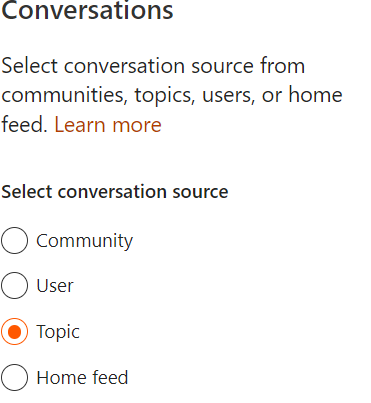
Multi language support for "News recommended for current user"
Hi guys, recently we launched our new intranet based on SharePoint Online. To provide a good overview we added the news webpart using the news source "News recommended for current user" to our landingpage. Most of our news are posted in two languages. The news source "This site" can differ between the languages and only shows one instance of every post. The news source "News recommended for current user" is not differing here. Every user sees posts twice in the webpart, which is not really helpful. Does anyone know if we can improve the situation here? The webpart on our landingpage only shows four posts which gets reduced to two posts since every post is shown twice. Thanks in advance!828Views0likes0CommentsSharepoint News images not showing in Outlook mobile when sent as digest email
I have had this issue for several years now. I have gone through all the MS troubleshooting tips to ensure images are enabled in Outlook and iOS..etc.. I have created an email digest with Power Automate of the days News articles posted in sharepoint. It sends an email that is nicely visible in OWA and Desktop with thumnails of the image for each article beside the article. When i open the email on my iPhone using Outlook app, the thumbnails are replaced by the standard missing image thumbnail. If a user posts a news article but uses a photo from the Stock Images repository, it comes through just fine. I noticed those images are stored on a CDN as opposed to our sharepoint site. My phone is registered in our AAD. Always updated with most recent iOS and App version. I can use the Sharepoint App on phone and view the news webpart with all images just fine so I know it is not my phone itself.. also same issue on a few coworker's phone that I've asked. Even after signed in to sharepoint on phone, images still do not appear in the email. Driving me nuts.. any guidance would be greatly appreciated! Joe1.7KViews0likes2Comments
List view webpart redirects new page
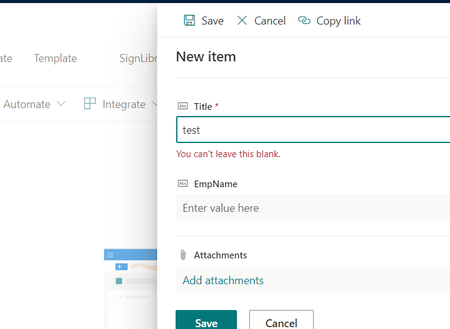
Hi, I'm using the customized power app form for the list instead of using the SharePoint New form. It worked as expected on the SharePoint list page. when I click the "New" button SharePoint shows the power app form in the side model. I have added this list in the homepage using "list view web part". But, when I click the "New" option in "list view web part". It redirects me to the modern new form of SharePoint. Is there any way in OOTB(List view web part) to open the power app form as SharePoint list? Thanks.596Views0likes0Comments
Linking Webparts in Classic SharePoint
Hi all, I manage a quality management system and on a classic page I have it set up to filter documents from a document library. The elements are the site page is in classic, in which a table has three columns this calls up two lists (Business area and Document type) which occupy the first two columns (one in each). The result in the third columns pulls from the document library all documents that meet the first two criteria selections. So lets say the Business area in the first column I select Logistics from the list and then Procedures in the second columns list, the third list will show all procedure documents from logistics. Problem is when you first go into the page it already has a selection in the first two columns with the results showing. I would like have it so it shows all the documents from the business area showing, the document type is empty and you then need to choose a filter to refine the list. can this be done? Due to sensitivity of work I cannot show screenshots which may not help.701Views0likes0CommentsHow to fix webpart width issue
Hello, I am trying to create a new SP site for my department, and so far things are going well - but I have a few webparts that I want to expand beyond the basic width of the middle column. I have looked into visual code, PowerShell, but to be honest, I have just run out of steam and I think I need some help. I did use a communication site and the main page looks good - it's the other pages that I am running into issues with. Any guidance is appreciated.872Views0likes1Comment
Image Webpart that is not clickable. How to remove link?
Hello, I’d like to thank you in advanced for your assistance. I’d think something so basic would be easy to figure out, but I’ve been breaking my head with this all week and I’m now at a dead end. I have a normal page in a communication site and I would like to add an image without a link and which is not clickable. Just an image to be displayed. I’m currently using the image we parts but although I do not add a link, the user can still click on it, and the image enlarges. How do I disable this, Thank you so much, I really appreciate it.20KViews5likes15Comments
Sharepoint - News Webparts
Hello, My team have created a Sharepoint site for 9 different projects to showcase their recent developments, information and board meeting dates using different webparts. The latest one we have tested out is the News webpart and was very happy with what it can do. BUT, now that I've tried to add the webpart to the other project pages, I've realised that the same 'news' populates across all the projects webparts. Is there a way of separating the news, so that each project site can have it's own separate news app? TIA JackieSolved2KViews0likes4Comments