polls
16 Topics
How to add a Poll to a Shared Channel
I am trying to add a poll to a shared channel and every app I try to add is greyed out and says it is not allowed in a Shared Channel. Can anyone tell me if this is something that can be changed? Or am I stuck not being able to do a poll to a cross-functional team that uses a Shared Channel instead of a full team?2.1KViews1like3Comments
In-line poll experience in Outlook Web
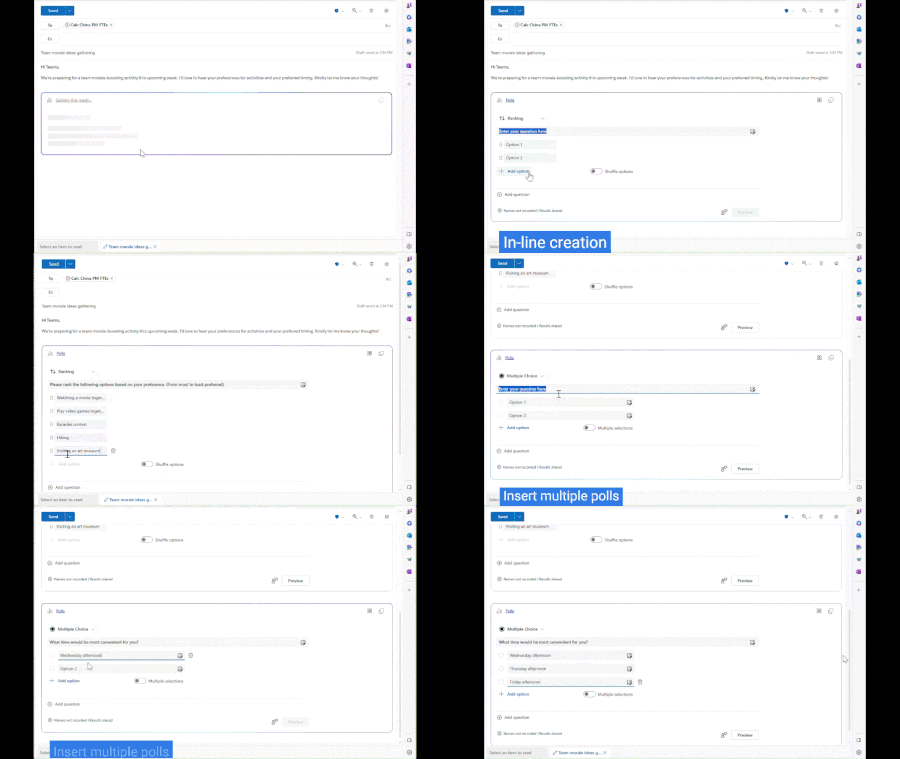
I'd like to introduce you to our brand-new poll experience in Outlook web with Microsoft Loop to streamline your workflow. The current process of creating polls in Outlook can be somewhat cumbersome and less user-friendly. Email/poll composers must navigate through a side-pane to create a poll and cannot preview how it will appear to recipients before sending the email. With the in-line experience that Microsoft Loop provides, they can now create polls directly within an email thread. Recipients can then vote in line and instantly check the real-time poll results. Let's dive into this amazing new feature and explore it together!13KViews5likes6Comments
Teams Polls show results anonymous despite recording names
Hi all, I've been testing the poll function within teams for an upcoming meeting. For some reason, the repondends still show up as anonymous despite having checked the box "Record names of respondents (only visible to creator)". Results show anonymous directly in the teams app but also when I access the results via office.com> forms> etc. Does anyone have an idea what is going wrong here? Cheers, SándorSolved31KViews3likes34CommentsWhat's new in Microsoft Forms | December 2022
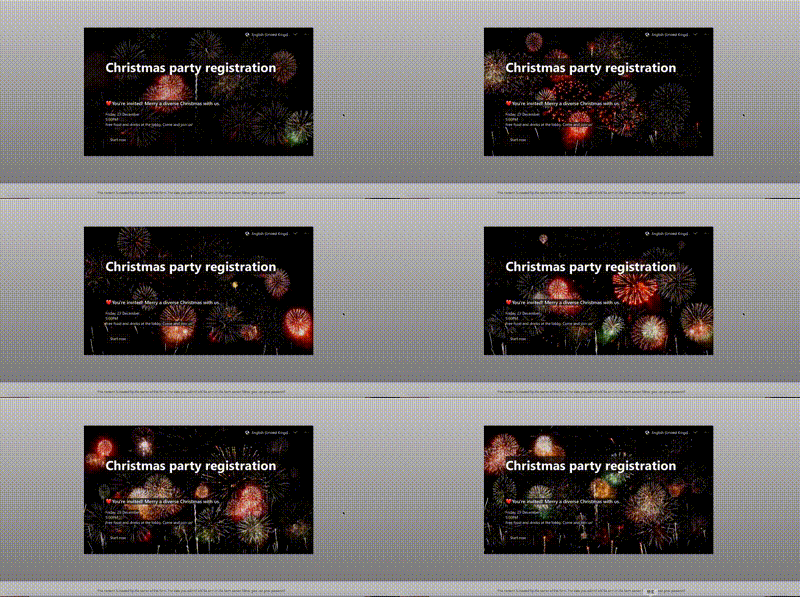
We are excited to introduce you to some new features we are releasing. Form design experience is modified to help you create an attractive form more easily and we also made some changes in distribution to meet more complex and tricky scenarios. Besides, we launched several new polls in Teams, which may help you improve engagement in meetings and raise audience interaction. Now, let’s dive into the new features!20KViews8likes15Comments
Polls in Teams meetings scheduled in a Teams channel
I created a meeting from a Teams channel, expecting to be able to add the new Polls app to be able to include a word cloud. https://supersimple365.com/microsoft-forms-new-app-polls-in-teams/ / TechCommunity When I went into the chat-with-participants I got taken to the channel chat thread. From there I could add forms for the channel, but not the new poll app. I found that I can add a Poll to the chat on a meeting, but there was only the basic simple vote question. Is there a way to add the full Poll experience to a Teams meeting that's in a Teams channel? Feels like I either organize individual meetings from Outlook to get the full experience or give up Polls to have the meeting in a channel.1.4KViews0likes1CommentNewly launched app with intuitive and easy-to-access polling experience for your Teams meetings
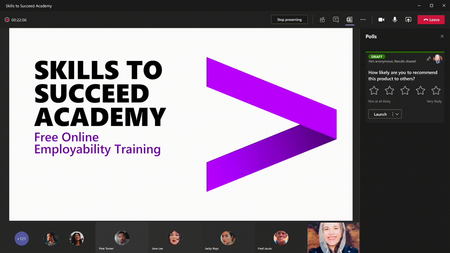
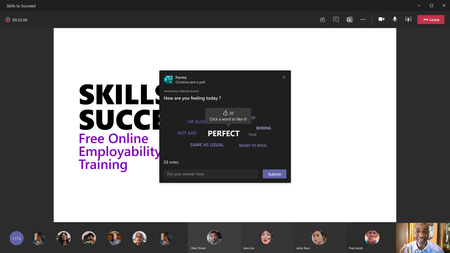
Polls is a newly released app in Teams meetings, aims to provide an intuitive and easy-to-access experience when you are searching for a polling tool in Teams meetings. You can find it in multiple locations in Teams via top navigation bar, message extension, sidebar navigation (“…” button) and Teams app store. In addition, you can add it directly to your meetings or chats without login or setup process.253KViews5likes17Comments
Polls within a Webinar or Teams Meeting - sharing results
Is there a way for all presenters to automatically have access to the results from a Teams meeting or Webinar? I know you can share the results through the options in Forms. What I would like is to skip to step of going in and sharing the results and have all presenters automatically have access to the results.1.7KViews0likes3CommentsRecording chat interactions as part of Teams video recording
Hello, As part of training videos I create, I need to be able to record all chat interactions as part of the Teams video recording. By design all chat interactions are recorded into a text file (chat history). What I need though is to be able to include all chat interactions natively inside the video recording. I need the same for all polls which I run during the training session. Does anyone know if this is supported by Teams at this point or if it has been requested as a new feature?5.8KViews0likes3Comments