developer
1261 TopicsSharePoint Webhooks -- now Generally Available!
Hello everyone, Just wanted to announce that SharePoint Webhooks is now Generally Available. First announced https://dev.office.com/blogs/sharepoint-webhooks-developer-preview-now-available in September, Webhooks https://dev.office.com/blogs/sharepoint-webhooks-is-now-generally-available-build-service-oriented-processes-in-sharepoint. Webhooks are based on industry standard patterns around how services fire notifications that developers can intercept and react to. In particular, within SharePoint we've added support for webhooks against SharePoint list data, including events like Item Added, Updated, and Deleted. A developer could then choose to kick off a process, or programmatically update a document, or fire off a tailored notification to users using information you can get from webhooks. You can find an end-to-end overview and "getting started" with webhooks https://dev.office.com/sharepoint/docs/apis/webhooks/overview-sharepoint-webhooks. Look forward to seeing what you all build with these! -- Mike Ammerlaan, Office Ecosystem Marketing team15KViews20likes13Comments
Issue with flat views in SharePoint Online
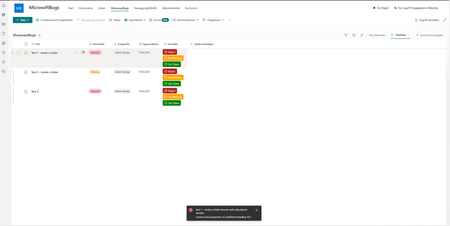
I use folders within a SharePoint list to organize list items. Additionally, I apply column formatting to update values in a column via button click using customRowAction (setValue). So far, so good... However, when I switch to a flat view (View without folders), this functionality no longer works, and error messages appear. This Error occures for example if I click on any displayed button. This issue occurs exclusively in the flat view and only affects items stored within folders. Additionally, there is another issue when using the Quick Edit feature to set a date field in the flat view. For items located inside a folder, the localization is incorrect. For example, if I select April 1st, SharePoint instead saves January 4th (German Localization). For items located outside a folder or when using a non-flat view, everything appears to function correctly. The attached video provides a demonstration of the issue.780Views13likes4CommentsNew SharePoint /Office Dev Patterns and Practices Webcast - Getting started with SharePoint WebHooks
In this PnP Web Cast we concentrated on showing how to get started with upcoming SharePoint Webhooks. SharePoint Webhooks allow developers to build service integration which subscribe to receive notifications on specific events that occur in SharePoint. When one of those events are triggered, SharePoint will send a HTTP POST payload to subscriber. SharePoint Webhooks will be supported for asynchorinious events, like for ItemAdded or ItemAttachmentAdded. To be able to subscribe to SharePoint Webhooks, you'll need to build a service, which will response on the subscribed validation messages and will process the incoming events. Notice. When this webcast was released SharePoint Webhooks were not yet released. They will be provided for Developer Preview soon with support for list item specific events for lists and libraries. Presentation covers following topics: What are Webhooks? Process for subscribing to a SharePoint Webhook Event notifications from SharePoint Demo setup and details on performed steps Web cast demo shows following details Registration of Azure App used for Webhook Using PostMan to register a Webhook for SharePoint Responding to Webhook validation tokens from ASP.net WebAPI Processing incoming events from SharePoint Using ngrok to develop SharePoint Webhooks locally in your development environment Web cast presenters: Bert Jansen, Vesa Juvonen Presentation used in this web cast is available from http://docs.com/OfficeDevPnP. More guidance and details around the SharePoint webhooks will be soon available from SharePoint developer center. If you have any questions, feedback or comments; please let us know. 1.3KViews11likes5Comments
New SharePoint PnP webcast - Using external JS libraries from client-side web part
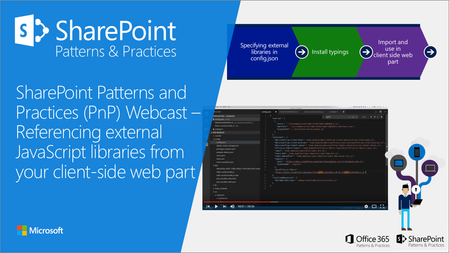
New PnP webcast concentrated on the options and considerations around using external JavaScipt libraries within your SharePoint Framework client-side web part. Check following blog post from dev.office.com/blogs for more details. SharePoint PnP Webcast – Referencing external JavaScript libraries from client-side web part If you have any comments, feedback or other thoughts, just let us know.1.2KViews10likes1Comment
SharePoint Online SP.FieldUserValue.get_email() always returns NULL.
Since last week, SP.FieldUserValue.get_email() has been returning null for all users in Person or Group fields. This occures when I use getItems method. For example: var listName = "MyList"; var context = SP.ClientContext.get_current(); var web = context.get_web(); var list = web.get_lists().getByTitle(listName); var query= new SP.CamlQuery(); var items = list.getItems(query); context.load(items); context.executeQueryAsync(()=>{ var enumerator = items.getEnumerator(); while (enumerator.moveNext()) { var item = enumerator.get_current(); var fldValues = item.get_fieldValues(); console.log(fldValues["Editor"].get_email()) } }); I haven’t been able to find any information about changes related to this behavior. We’ve been using the Email property of user fields for years without any issues, and it has always worked as expected. It's documented here: https://learn.microsoft.com/ru-ru/dotnet/api/microsoft.sharepoint.client.fielduservalue.email?view=sharepoint-csom Does anyone know what might have changed or why this has stopped working?821Views9likes3CommentsSharePoint / Office 365 Dev Patterns and Practices - September 2016 release
We are happy to announce availability of PnP September 2016 release. You can find all release details from the following blog post under dev.office.com SharePoint / Office 365 Dev Patterns and Practices - September 2016 Release You can also join our monthly community call for live demos on key new capabilities. September monhtly community call is on 13th of September at 8 AM PDT - You can download invite from http://aka.ms/SPPnP-Call. Agenda for the Tuesday 13th of September community call at 8 AM PDT / 5 PM CET: Summary on the September 2016 release and other program updates - Vesa Juvonen ~20-25 min What's new in PnP Partner Pack v2.0 - Paolo Pialorsi (Piasys.com) ~10-15 min Demo on new PnP Starter Intranet for SharePoint Online solution - Franck Cornu (CGI) ~10-15 min Demo on new SharePoint.React.SupportTicket sample - Brian Michely (Microsoft) ~10-15 min760Views9likes0CommentsSharePoint Dev Ecosystem / SharePoint PnP - February 2018 update now available!
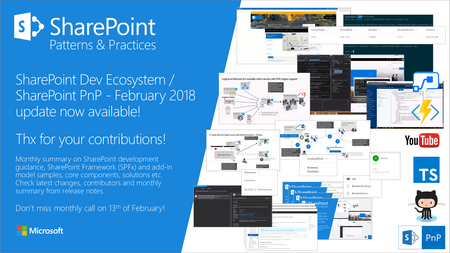
Summary of latest SharePoint development topics from SharePoint engineering, including all the great contributions from our fabulous SharePoint Development community. Check the monthly summary for additional details. Thanks for your contributions! https://dev.office.com/blogs/pnp-february-2018-update1.8KViews8likes3CommentsAnnouncing Availability of SharePoint Framework Extensions Developer Preview
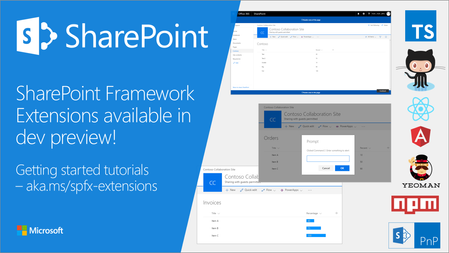
Announcing Availability of SharePoint Framework Extensions Developer Preview SharePoint Framework Extensions - Tutorials SharePoint Framework Developer Preview (Drop 1) - Release notes Your feedback is more than welcome using Microsoft Tech Community or Issue list at sp-dev-docs GitHub repository.3.9KViews7likes8CommentsSharePoint PnP Webcast – Provisioning SharePoint assets for your SharePoint Framework solution
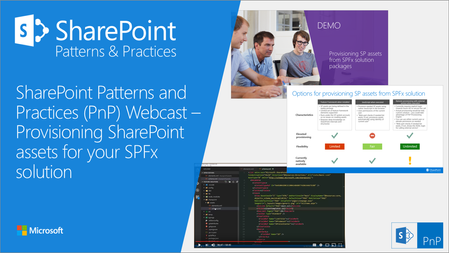
In this PnP Webcast, we covered diffrent options around provisioning SharePoint assets to SharePoint sites as part of the SharePoint Framework solution package. Typical scenario would be a requirement to have a list(s) for a client-side web part in the site, when the solution is installed. This list should obviously get provisioned automatically for the site, when package is taken into use. This webcast shows different options on how to make this happen in practice and also specific demo around the feature framework based provisioning from SharePoint Framework solution packages. More details from following blog post at dev.office.com/blogs SharePoint PnP Webcast – Provisioning SharePoint assets for your SharePoint Framework solution1.5KViews7likes5Comments