cascade
2 Topics
SharePoint : Workflow > Send an Email > Customizations (CSS)
Hello everyone, I'm customizing the body of an email send by SharePoint's Workflow action "Send an Email". Knowing that this action does not support what's inserted in the <style></style> tags and the only way is to do it inline within the target html tags, I'm currently facing the following issue: somewhere in my email's body text, I'm getting the value of a specific item's field (example: [%CurrentItem:Body%] which can contain images in between of the text. How can I apply the css in order to set this images' width? Thanks in advance! Kind regards, Duarte568Views0likes0Comments
Cascading dropdown using on quick edit mode?
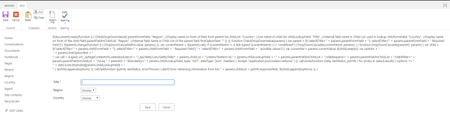
Hi, Is it possible for cascade dropdown to work on quick edit mode? I have asked around how to make it work and this guide was give to me - https://www.c-sharpcorner.com/blogs/cascading-dropdownlist-in-sharepoint?fbclid=IwAR3zoSBZRiIr1gg6lNBPEmNdj3buiqeRmtQ13feE2t4dnp_JPpmFeCfJM4w The problem is every time I paste the given code on a script editor webpart it would show as it is and cascade would not work Any advise to lead me to the right direction, please? Thanks3KViews0likes4Comments