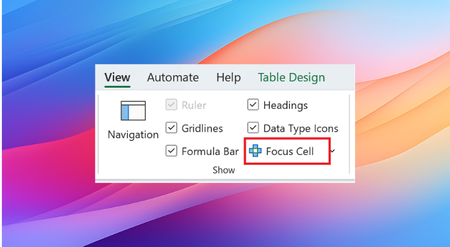
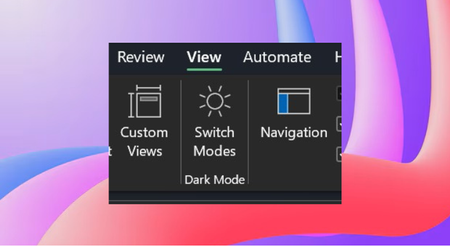
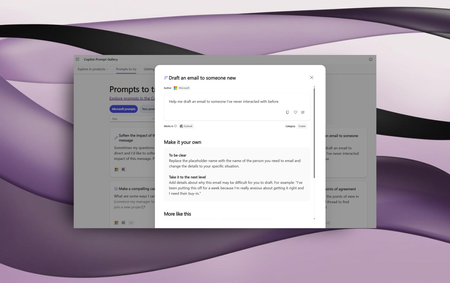
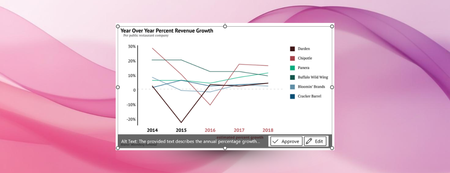
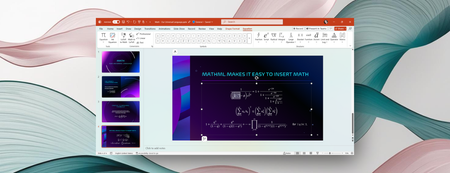
Most RecentNewest TopicsMost LikesMost ViewedIncrease ease of navigation with Focus Cell in Excel Make the active cell more visible in your worksheet with Focus Cell. Reduce eye strain with Dark Mode in Excel for Windows Excel for Windows now supports Dark Mode, which darkens your entire sheet including cells! Make math inclusive for everyone with Microsoft 365 Improvements in Microsoft 365 help you inclusively communicate and collaborate with math. Accessibility Assistant now flags inaccessible hyperlinks Accessibility Assistant in Word and Excel now flags hyperlinks that are not optimized for accessibility. 2025 Microsoft 365 Insider Blog Awards It's time to look back and celebrate the blogs that saw the most engagement in 2025! Check it out! Microsoft 365 Copilot: Your time and project management advisor Microsoft 365 Copilot can reference emails, Teams, and more to help you prioritize tasks and avoid burnout. Boost communication with Microsoft Copilot prompts for neuroinclusion Try out our new prompts in the Microsoft Copilot Prompt Gallery focused on promoting neurodiversity! Automatic alt text generation in Word and PowerPoint on Copilot+ PCs Rich alt text is automatically generated when you insert an image, making your content more accessible from the get-go. International Day of Persons with Disabilities: Our commitment to a better screen reader experience We’ve made enhancements to Narrator, Microsoft Word, and other Microsoft 365 apps to build a better experience for all, especially those who are blind or have low vision. Writing and presenting about math is easy and inclusive with Microsoft 365 We’re excited to share recent improvements that make writing and presenting about math easier and more accessible to everyone.