translation
119 Topics
Link URL to Team Channel
Hello all, I'm trying to link a URL from a fillable PDF to a "Teams Channel". If I plug in the following URL, it works great (it links the user directly to a personal Teams Chat). However, rather than link the user to Chat channel, I want the user to be linked directly to a general Teams Channel. (I hope this makes sense). Is any of this possible? https://teams.microsoft.com/l/chat/0/0?users=XXX@XXX.com&topicName=Completed-training&message=TrainingTraining Complete:Solved116KViews1like7Comments
Multi-Language Closed Captions in Webinars?
Hi community! Here is an interesting one. We are planning to use Microsoft Teams' webinar functionality for our upcoming events. Are translated captions a thing? Can we hold a webinar in English and have Teams generate closed captions in Spanish, for example? The latest interpreter features really have my hopes up for this one27Views1like0Comments
Enable mic option in custom teams app
I have a copilot studio agent created using copilot studio. I want to upload this app and use in teams. How ever i need the mic button feature which is by default available in microsoft teams copilot app. So when user clicks this mic button the audio user speaks is automatically converted to text in message box. Is this possible to have a similar feature in custom app pointing to a copilot studio agent?88Views0likes0Comments
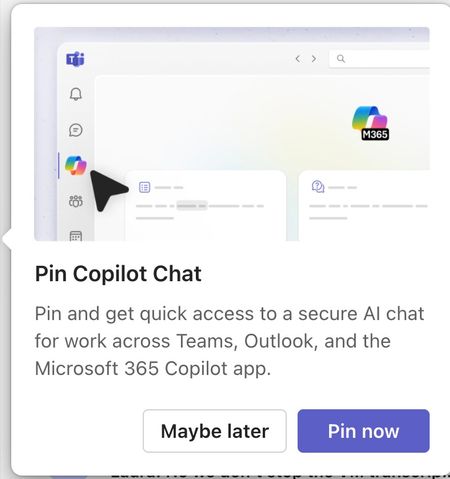
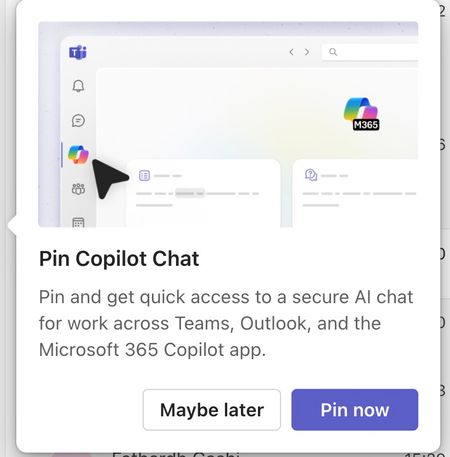
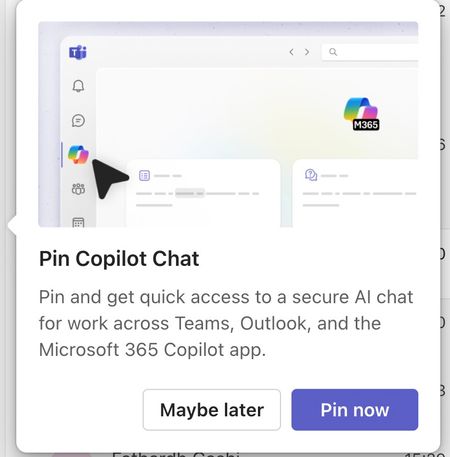
Please tell me how to disable the Pin Copilot message
Morning! I wrote a message yesterday but nobody replied, so here's another one so it doesn't get lost Can somebody tell me how to disable the annoying "Pin Copilot Chat" popup? every morning I have to say "Maybe Later" when I really mean to say NEVER IN A THOUSAND YEARS230Views0likes1Comment
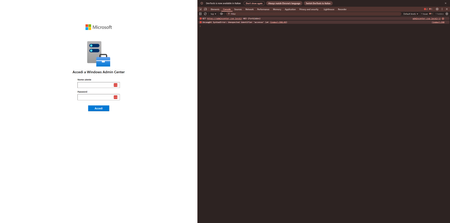
Uncaught SyntaxError in the Italian version of Login Page
Good morning, We've just installed the latest version of Windows Admin Center (2410) and when we try to login from the HTML form, we can't login and we get this error in console: Uncaught SyntaxError: Unexpected identifier 'accesso' (at (index):398:49) In fact, if you go to the exact line there is a syntax error due to the Italian translation of the string that adds a ' character that is not escaped. Is it possible to fix it in order to use the System language? Ty125Views0likes0Comments
MTRoW devices set in Catalan language show some screens in Arabic
On Microsoft Teams Rooms on Windows devices setup in Catalan language, all setup, and settings screens are showing up in Arabic, while user-facing screens are showing up in Catalan, as they should. I have tried relaunching the Powershell commands to set MTR's language according to Windows' language as described here: https://support.lenovo.com/us/en/solutions/ht513022-how-to-change-the-language-displayed-in-microsoft-teams-rooms-mtr , but nothing changes. I have seen this problem in several machines in several organizations, mostly Lenovo's ThinkSmart Cores, but I have also seen it with Yealink's MCores. Has anyone encountered anything like this? It seems like a bug in the MTR app's translation. How can I report it?77Views0likes1CommentAzure AI Translation Preprocessing Workflow
In today's global enterprise landscape, translation accuracy and efficiency are critical to delivering seamless multilingual experiences. Yet, many organizations struggle with inconsistent results, API errors, and high costs when using machine translation services. That's where our custom-built Azure AI Translation Preprocessing Workflow comes in. 🌐 Solution Introduction The Azure AI Translation Preprocessing Workflow is a purpose-built solution designed to bridge the gap between raw document inputs and high-quality machine translation outcomes. Developed in response to real-world enterprise challenges, this service automates the preprocessing of multilingual documents, ensuring they meet Azure AI Translate’s strict formatting and content standards. By intelligently analyzing, validating, and optimizing files before translation, it empowers organizations to achieve greater accuracy, lower costs, and eliminate common API failures. Whether you're dealing with inconsistent document formats, embedded content, or language detection issues, this workflow provides a scalable and intelligent foundation for enterprise-grade translation pipelines. It’s not just a tool—it’s a strategic enabler for global communication. 🎯 Why This Service? This solution was designed to address real-world challenges faced by enterprise teams using Azure AI Translation Services: 🚀 Azure AI Translate Ready: Fully optimized for Azure's translation service standards. 📊 92% Translation Quality Improvement: Pre-validates and optimizes content for better results. 💰 30% Cost Reduction: Intelligent content filtering reduces unnecessary translation costs. ⚡ Zero API Errors: Format validation prevents common Azure AI service failures. 🔍 Intelligent Analysis: Advanced content segmentation and language detection. ✨ Key Features 🎯 Azure AI Translate Optimization Readiness Scoring (0-100%): Quantifies document preparation for Azure AI Translate. Language Detection: Automatic identification of document languages. Content Segmentation: Optimizes text segments for Azure's 5,000 character limit. Format Compliance: Ensures Strict Open XML Document standards. Translation Quality Enhancement: Intelligent content filtering and preparation. 🛠️ Core Capabilities Multi-format Support: Converts DOCX, DOC, RTF, ODT, TXT → DOCX. Comprehensive Validation: Advanced DOCX format verification. Content Intelligence: Detects and analyzes translatable text. REST API: 9 endpoints with interactive Swagger UI documentation. Background Processing: Async file processing capabilities. Detailed Analytics: Word counting, language hints, content type analysis. 🔧 Technical Excellence FastAPI Framework: High-performance async web framework. LibreOffice Integration: Professional document conversion. Comprehensive Logging: Detailed operation tracking and metadata. Error Handling: Robust validation and error recovery. Docker Ready: Containerization support for easy deployment. 🚀 Real-World Impact This solution was born out of a critical support case where translation failures were impacting production workflows. By automating preprocessing and validation, we not only resolved the immediate issue but also architected a scalable, long-term solution that enhances translation reliability and reduces operational overhead. 📢 Get Involved Explore the GitHub repository, contribute, or adapt the solution to your enterprise needs: 👉 https://github.com/vinod-soni-microsoft/azure-ai-translation-preprocessing-workflow Let’s build smarter, faster, and more reliable translation workflows together.