calendar sync
1 Topic
Sync New Outlook with iCloud Calendar
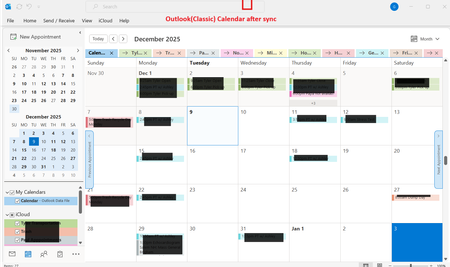
I just got a new laptop and am trying to sync the New Outlook Calendar with my iCloud Calendar. The intent is to have any Calendar changes made on one device (iPad, iPhone, laptop) to sync to all device Calendars. The problem I'm having is that iCloud Calendar only synchs with Outlook (Classic) and I want to sync with New Outlook. The Outlook version is 1.2025.1121.100 ; the Outlook Client Version is 20251128003.09 The list of Apps that comes up after clicking on Start shows both Outlook and Outlook (Classic). If I right click on Outlook (Classic) and click on uninstall (thought that might help fix this), the only Outlook listed in Apps > Installed Apps is Outlook. I did not uninstall Outlook. To set-up Calendar synching I opened iCloud > Calendars and Contacts > Calendars and Contacts Settings. I turned on "Automatically sync your iCloud calendars and contacts to Microsoft Outlook". After syncing completes, all iCloud Calendar entries appear in the Outlook (Classic) Calendar, but nothing syncs to the New Outlook calendar. I'm assuming this is an Outlook issue, not an iCloud issue. Any ideas on how to fix this? Thanks851Views1like4Comments