User Profile

JohnO1075
Copper Contributor
Joined Apr 01, 2024


User Widgets
Recent Discussions
Re: removing an inadvertent drop-down menu from an Excel spreadsheet.
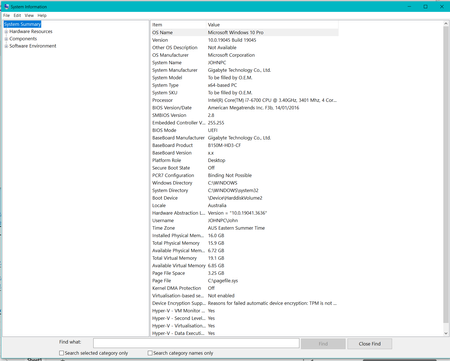
Detlef_Lewin . The drop-down menu (see attached drop-down menu, no cell address.png) appears inadvertently, and infrequently - perhaps 4 times in the last year. I have tried deleting it, cutting it, changing the data validation to no effect. I can work around it, but it affronts me that it puts itself down where it wants, where it wants and then won't leave, spoiling the appearance of my spreadsheet! I use a PC with the latest version of Windows 10. I am retired so just a home user. In this instance I am using it to supplement my Indonesian language studies. I do have an excel file, an xlsm which could give a live view of the problem, but it is not accepted as a file type here.1.1KViews0likes4Commentsremoving an inadvertent drop-down menu from an Excel spreadsheet.
Inadvertently, when using Excel (home based) usually when cutting and pasting, a drop-down menu appears, and is resistant to removal. There is no step backwards available. does not respond to cutting or deleting. when going to suggested data validation/settings/Clear all there is no response, except that the option Data Valuation is greyed out. I have three questions 1. Why does this drop-down menu appear? 2. Is there a short cut similar to Ctrl-V and Ctrl-C which triggers it. 3. How can I get rid of it.1.9KViews0likes11Comments
Recent Blog Articles
No content to show