Forum Discussion

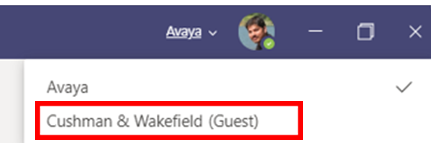
Wish To Remove guest account from MS teams desktop App

That didn't help. It's not clear. I only log into Microsoft with 1 account, and that account is signed in through SSO. The organisations to which I had guest membership added me with that same account.
Your directions:
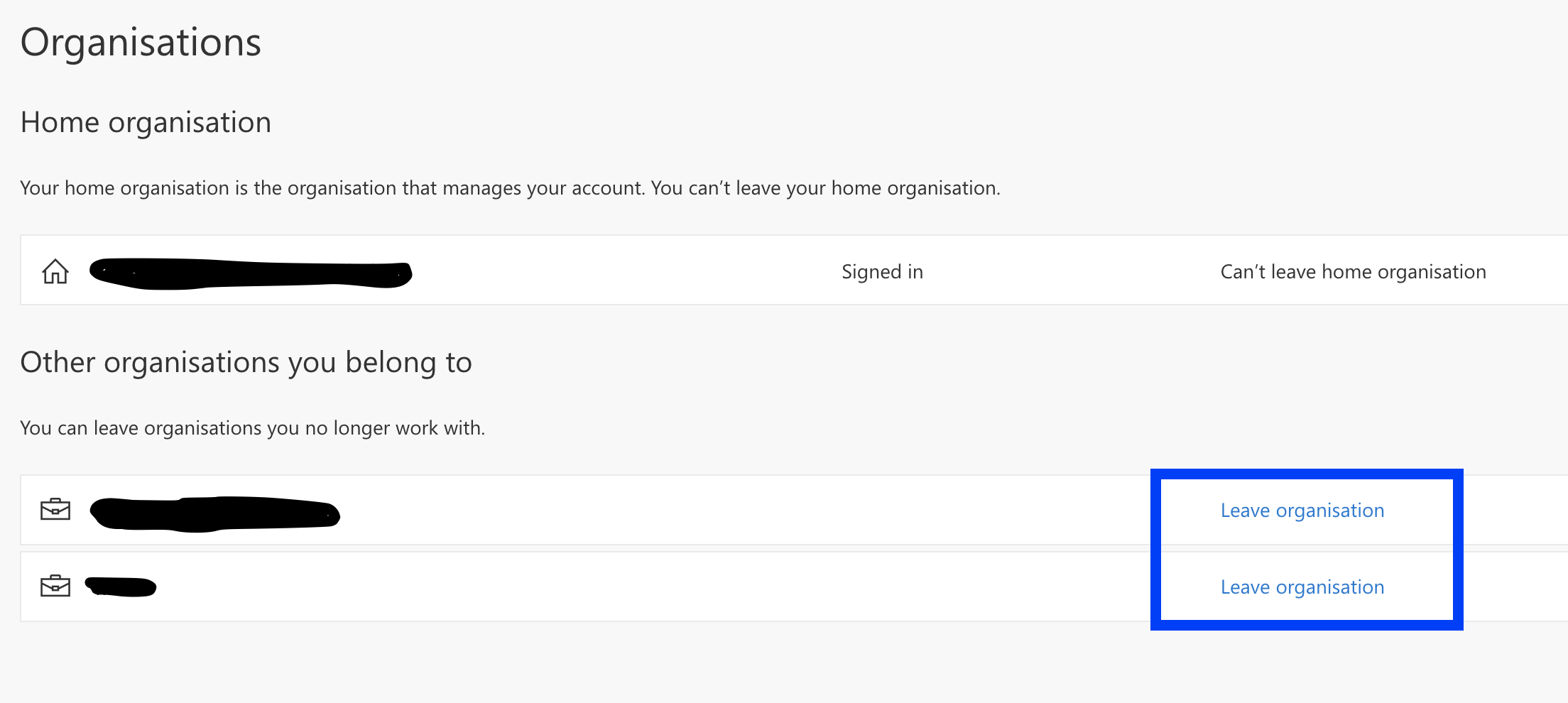
1. Go to https://myaccount.microsoft.com/organizations -> Defaults to my 1 account username
2. Sign in with your account that have Guest account added (If not already signed in) -> brings me to my SSO sign in and my own tenant.
3. You should see the option to Leave Organization instead of Sign in to leave organization. -> Nope.
I was able to find the area you mentioned through Teams. Clicking on Organisations, showed Organisations you belong to (poor grammar by the DEV). The option 'Leave Organisation' is available and leaves you with the. following error, which does NOT remove you from the org or stop showing the guest tenants in Teams.
You don't have access to this
Your sign-in was successful, but you don't have permission to access this resource.
Sign out and sign in with a different account
More details
Troubleshooting details
If you contact your administrator, send this info to them.
Copy info to clipboard
Request Id: 28ba2ddf-67ee-43d0-9150-8477bd863100
Correlation Id: 3c872f4e-7a51-464c-b9b4-f32487b2b46b
Timestamp: 2021-06-14T12:06:54.448Z
App name: My Profile
App ID: 8c59ead7-d703-4a27-9e55-c96a0054c8d2
IP address: 195.66.248.3
Device identifier: Not available
Device platform: macOS
Device state: Unregistered
Flag sign-in errors for review: Enable flagging
If you plan on getting help for this problem, enable flagging and try to reproduce the error within 20 minutes. Flagged events make diagnostics available and are raised to admin attention.