Forum Discussion

MisterSo
Mar 21, 2020Copper Contributor
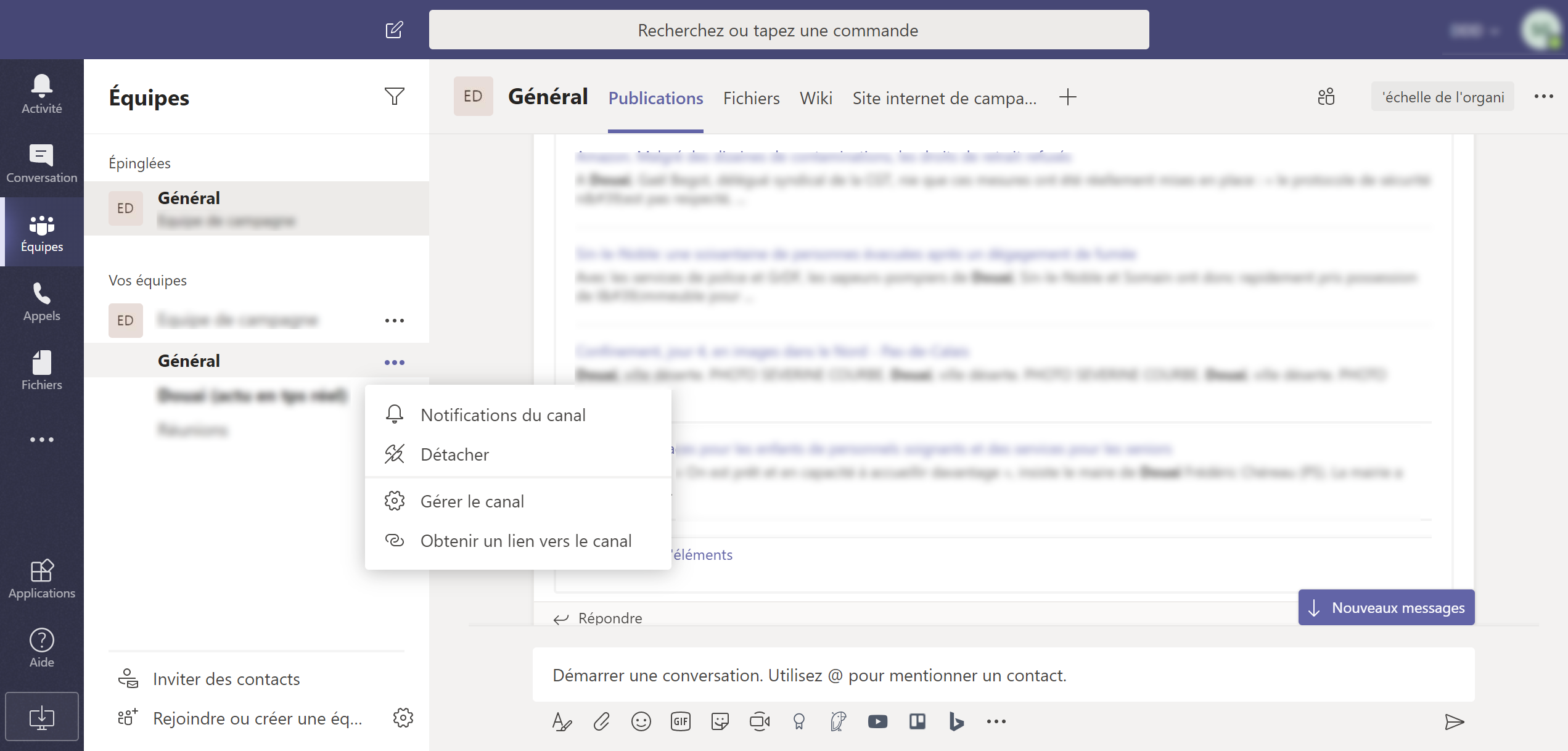
Connectors configuration is missing
Hi, I've just add an RSS feed with the microsoft RSS app in Teams in general channel. I want to delete this feed but i don't find the connectors configuration panel. There is no option co...

Mar 22, 2020
Haha! I think I got it!
Ok, try this step by step
1.) On the left bar, press the ellipsis under call (...)
2.) In 'Find an App' select RSS and select it. This should bring up the RSS app
3.) Select 'Add to a Team'
4.) Search for the channel name - in this case general by just typing in 'G', select set up a connector
5.) It will go to a screen which tries to set up the connector. Don't put anything in, just select cancel at the bottom, this should fall back to the connector screen
6.) Select 'configured' under Manage
7.) Select '1 configured' under RSS, then Manage
8.) Select Remove
I really hope this solves it
Best, Chris
Ok, try this step by step
1.) On the left bar, press the ellipsis under call (...)
2.) In 'Find an App' select RSS and select it. This should bring up the RSS app
3.) Select 'Add to a Team'
4.) Search for the channel name - in this case general by just typing in 'G', select set up a connector
5.) It will go to a screen which tries to set up the connector. Don't put anything in, just select cancel at the bottom, this should fall back to the connector screen
6.) Select 'configured' under Manage
7.) Select '1 configured' under RSS, then Manage
8.) Select Remove
I really hope this solves it
Best, Chris

BrianAz
Dec 09, 2020Copper Contributor
Thanks for this! I knew I had somehow arrived at the configure screen. I appreciate the steps.