Forum Discussion

Ali Fadavinia
Jul 23, 2020Iron Contributor
How to uninstall android apps - Intune
Hi there, We want to uninstall an app from Android devices. I did the same with iOS phones, it was super easy. I went to InTune, All Apps --> created an App : specified the App type (iOS S...
- Jul 24, 2020Hi Ali,
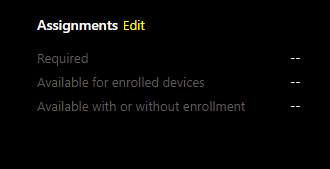
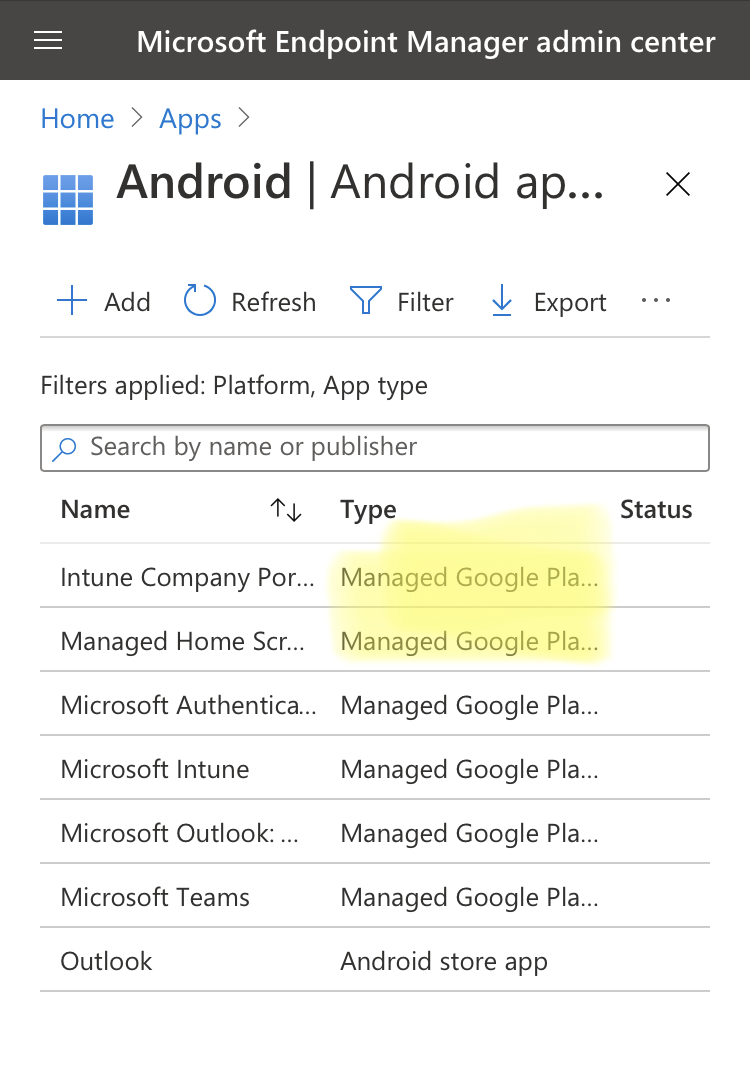
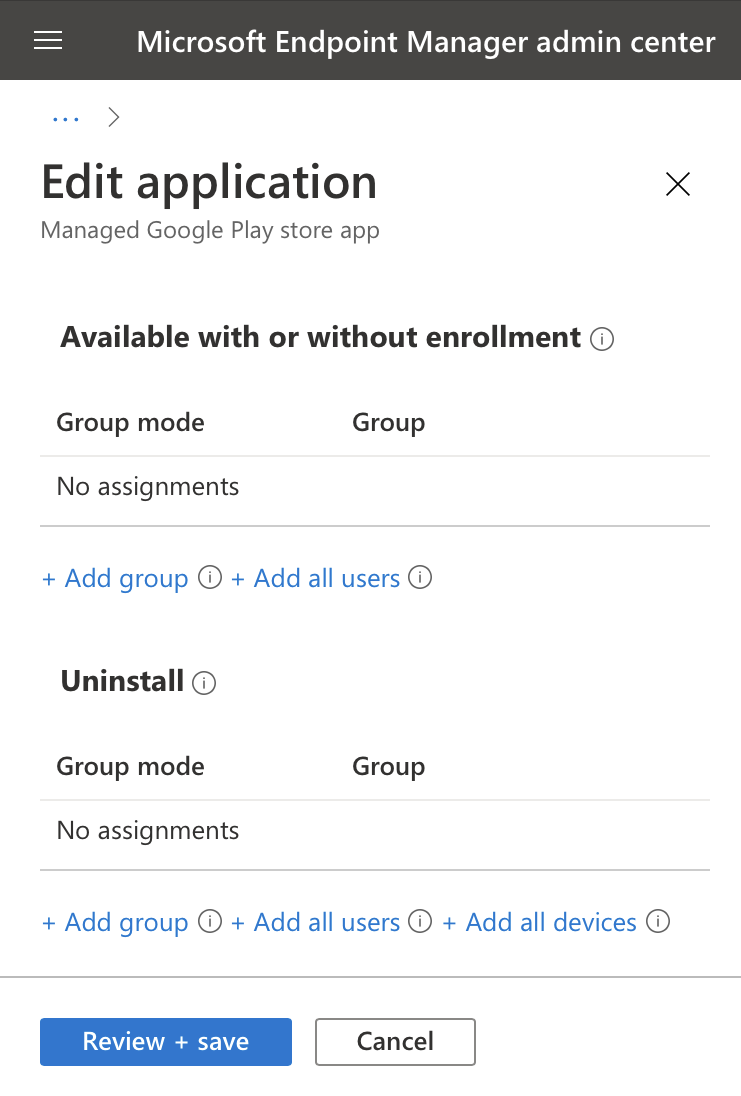
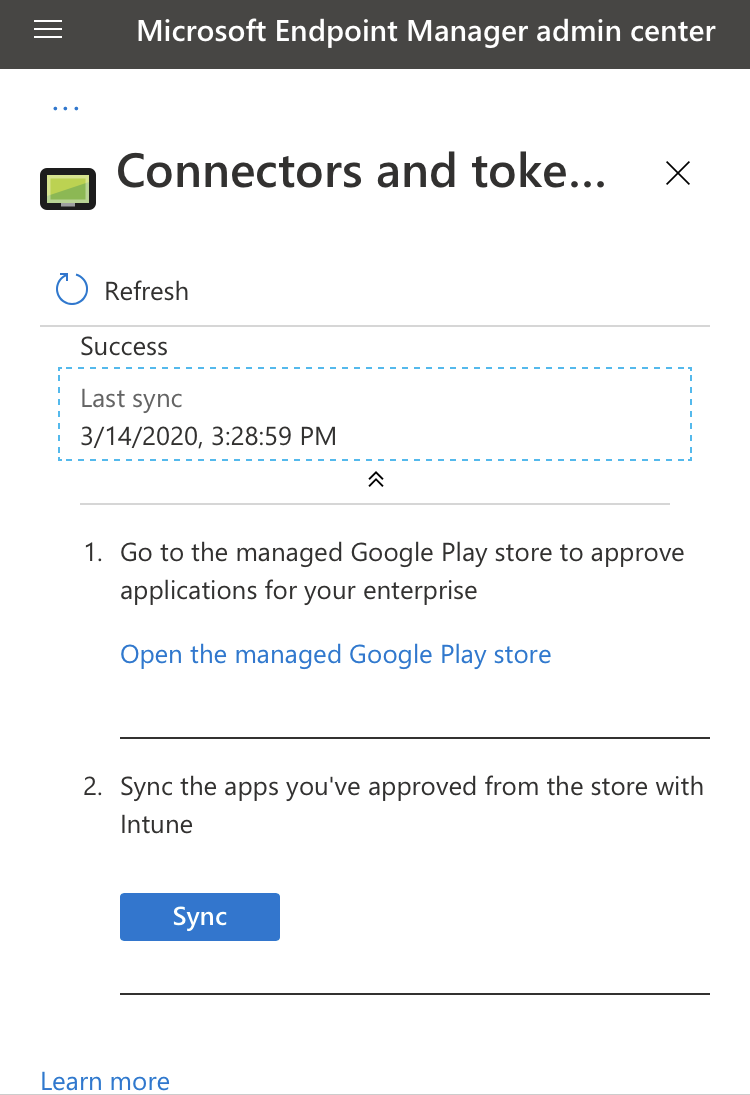
You will have the option to uninstall in Android only if the app’s type “managed google play store”. Means synced from your managed play store to Intune.
It looks like the app you trying to remove is Android Store App.
Hope this helps!
Moe



techtest
Aug 10, 2020Copper Contributor
I've configured it with Multi-app Kiosk mode (I believe that's what you're asking, please clarify if you're looking for some other piece of info).
Yes, I have limited the apps that are shown to the user, but if the Phone app isn't disabled, then phone calls still ring to the phone in the background, and then leave a flashing light notification (unless all of these settings are turned off in the System Settings).
Ultimately, my workaround is to get a data-only SIM card which will work fine. But it would still be nice to be able to disable or uninstall Android System apps that I don't want to be used on the device if needed.

Thijs Lecomte
Aug 10, 2020Bronze Contributor
I see...
There isn't a way to currently do this & don't know of anything planned in the near future
There isn't a way to currently do this & don't know of anything planned in the near future