Forum Discussion

PatrickF11
Mar 30, 2021MCT
App Configuration in JSON Format
Hi folks, i'm facing a problem with Intune App Configuration Profiles. At first let me outline the scenario: we want to use Android Enterprise Multi-App Kiosk Devices Everything belonging the mul...
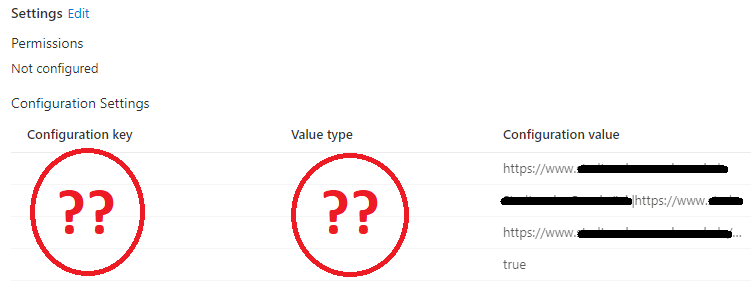

agima1978
Apr 29, 2021Copper Contributor
There used to be a lot of options to configure in the configuration designer. Now i only see the allowed account Configuration key. Seems like Microsoft removed the other options.
What happens If you create a clean policy and paste in the complete JSON config (as plain text) without additional editing in browser/intune?

PatrickF11
Apr 29, 2021MCT
There are plenty of options when creating a managed app profile instead of managed device.
Even if pasting the whole json it isn’t working. (I‘ve tried this before of course)
Even if pasting the whole json it isn’t working. (I‘ve tried this before of course)
- PatrickF11Apr 30, 2021MCTBy the way: is it even possible to use the managed app config on enrolled devices?
Seems like not as outlined here:
https://docs.microsoft.com/en-us/mem/intune/apps/app-configuration-policies-overview#managed-apps - PatrickF11Apr 30, 2021MCTFor managed app there is a user context needed, unfortunatelly there is no context on a kiosk device 😕 that’s why I need a working device config..
 Coopem16Apr 30, 2021Brass ContributorI have seen this as well. I tried to deploy managed device configuration for Edge, and I could not get it to work on an iPad. Had to fall back to managed app.
We had to use a User account anyway because that account has to Sign in to ServiceNow, and we do not allow local accounts. So SSO was required,