Forum Discussion

PatrickF11
Mar 30, 2021MCT
App Configuration in JSON Format
Hi folks, i'm facing a problem with Intune App Configuration Profiles. At first let me outline the scenario: we want to use Android Enterprise Multi-App Kiosk Devices Everything belonging the mul...
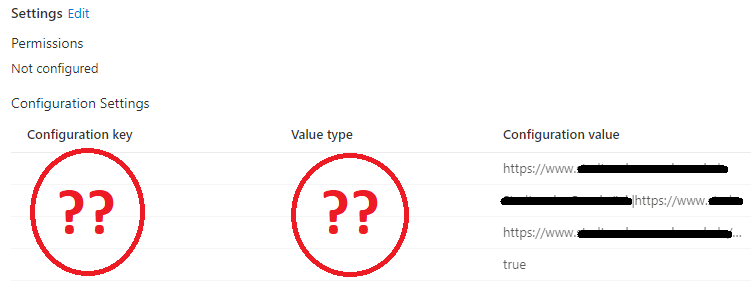

PatrickF11
Apr 06, 2021MCT
Rudy_Ooms_MVP By the way: it also does not run, when i try to only add one configuration item like this:
{
    "kind": "androidenterprise#managedConfiguration",
    "productId": "app:com.microsoft.emmx",
    "managedProperty": [
		{
            "key": "com.microsoft.intune.mam.managedbrowser.homepage",
            "valueString": "https://www.sample.com"
        }
    ]
}
Apr 06, 2021
Did see the same thing, looks like it does not recognize the key settings. Just wondering, but I guess the settings also are not working on the device 🙂 ?
- PatrickF11Apr 06, 2021MCT
Yes, they're not working at all. (Even if i only try to configure the homepage.)
I've used a "managed device" profile, because there are no user context.
Nevertheless, i've tested an "managed apps" profil, but this isn't working, too. (as expected)I can't believe that this is any kind of "special" interest. It must be possible to configure the Edge Browser on Android devices, like it is possible on windows devices.
- Apr 06, 2021I guess, configuring these kind of edge settings on managed android devices is not yet supported. When you choose google chrome, you can define all kind of these settings.
- PatrickF11Apr 07, 2021MCT
Hi Rudy,
yes, with Chrome everyhting went well... 😄 What a mess.
I've opened up a ticket at MSFT. It simply have to be possible to use the MS Browser instead of a 3rd Party one.I'll keep you updated, if there's anything new.