Forum Discussion

Microsoft Visio Data Visualizer add in won't load in Office 365.
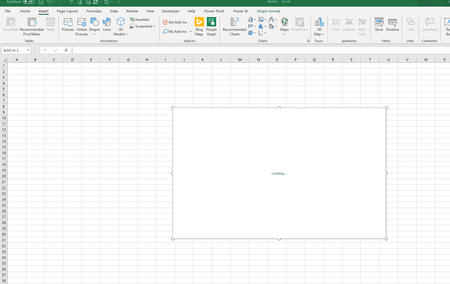

Good question. I am not seeing anything specific for Office 365. My computer is new and 64bit if that makes any difference.
I do have MS office 2016 suite installed. However, I also have the 365 online account.
I am the first person in the organization to use the data visualizer tool with the plan it's associated with. So there isn't anyone I can reach out to at work.

I also have a new computer, 64 bit, with Office365 and the latest in Visio.
- DougPetroshiusJan 14, 2020Copper Contributor
I misread the question. Computer is 64 bit. Office365 is 32 bit.
- B_Van_SpanjeJan 16, 2020Brass Contributor
DougPetroshiusyou can always try to uninstall the 32 bit Office and then install the 64 bit Office to see if that does the trick.
- B_Van_SpanjeJan 15, 2020Brass Contributor
DougPetroshius I am just looking at the possibilities at what is causing this problem. The Visio add in doesn't work on my 32 bit Office 365 Excel on my old computer, but it works perfectly OK on the 64 bit Office on my new computer. Interesting that you are experiencing the same thing on your 32 bit Office. I wonder if this is the cause.
Since January 2019, Microsoft changed the default installation of Office from 32 bit to 64 bit.