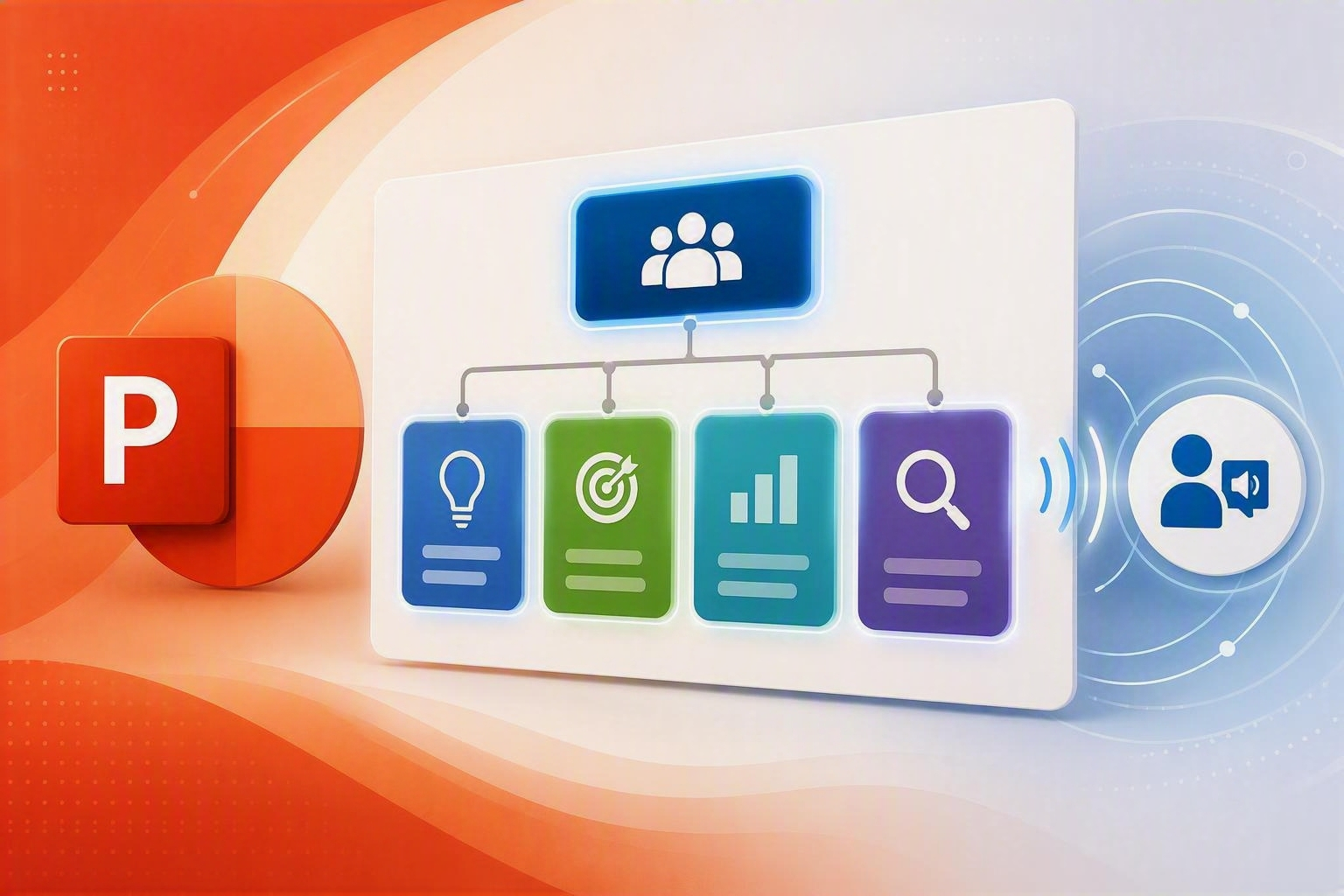
Hi, Insiders! I’m Shireen Salma, a Product Manager on the Office Accessibility team. Today, I’m excited to share how we’re making SmartArt in PowerPoint more accessible for people who use screen readers.
SmartArt is becoming more accessible in PowerPoint
SmartArt is commonly used to visualize processes, hierarchies, relationships, and more. But until now, these visuals haven’t always translated well for people using assistive technology. When a screen reader encounters SmartArt, it typically announces it simply as “SmartArt,” followed by the text in each node. While the content is technically available, the meaning behind how those elements relate to each other is often lost.
For example, in an equation-style SmartArt representing “A + B = C,” a screen reader user may only hear “A, B, C,” without the contextual understanding that A and B combine to form C. This makes it difficult to interpret diagrams where relationships between elements are essential to understanding the message. This challenge also affects process diagrams, hierarchies, and relationship-based SmartArt, where connections that are visually obvious to sighted users are not conveyed programmatically.
To work around this, Accessibility Checker has traditionally flagged SmartArt for missing alt text, asking authors to manually describe the visual relationships. But these descriptions often become outdated when SmartArt is edited, such as when a new step is added to a process or a new person is included in an org chart.
With this update, PowerPoint can now generate meaningful accessibility descriptions for SmartArt automatically.
How it works
Each SmartArt diagram already contains information about its layout type, such as list, process, hierarchy, or cycle, as well as the content within each node. PowerPoint now uses this information to dynamically generate descriptive context within its accessibility tree so that screen readers can access meaningful information about the diagram.
For example, instead of hearing only individual items, a screen reader may now announce:
- “Basic block list with three items: A, B, and C”
- “Equation diagram showing A plus B equals C”
These descriptions are generated programmatically and updated automatically whenever the SmartArt’s structure or content changes. This ensures that assistive technologies always reflect the most current version of the diagram, without requiring authors to manually create or maintain alt text.
Availability
This update is available to Windows users with a Microsoft 365 subscription running PowerPoint Version 2607 (Build 20326.20158) or later.
Features covered on this blog roll out over time to enable us to monitor quality and performance, so some preview features may not be available to you right away. Also note that features may be paused, adjusted, or removed as part of that process.
Feedback
We’d love to hear your thoughts on how this update is working! Open Accessibility Assistant, then select Give Feedback to provide feedback.
Learn about the Microsoft 365 Insider program and sign up for the Microsoft 365 Insider newsletter to get the latest information about Insider features in your inbox once a month!

 Microsoft
Learn about the Microsoft 365 Insider program at https://aka.ms/MSFT365InsiderProgram
For technical support and break/fix questions, please visit Microsoft Support Community.