Forum Discussion

IMPOSSIBLE TO VERIFY ACCOUNT INFORMATION FROM THE MAIL APP EXCHANGE - IPHONE TRYING TO SIGN IN
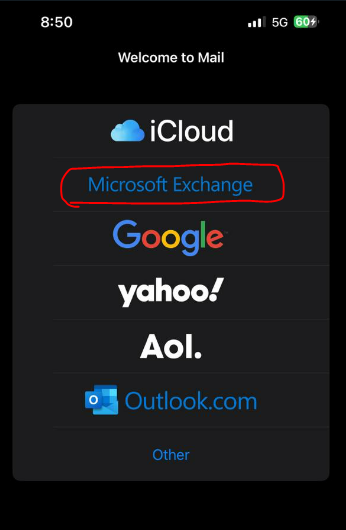

Hello, 28GREKA
First of all, I'll suggest to check in EXO that the configuration for the user is correct:
Please check also if the device is blocked for the user. You can do it connected to EXO PS running the following cmdlt:
Get-CASMailbox email address removed for privacy reasons | fl activesync*
If the device is ActiveSyncBlocked, copy the device ID and paste it in the following cmdlt.:
Set-CASMailbox -Identity mailto:email address removed for privacy reasons -ActiveSyncAllowedDeviceIDs @{add='F2BC03A83CCA6C98'}
If all is correct, then probably the issue is device related.
I'll try to, instead to add the account on the ios mail app, add the O365 account to the device settings-accounts. Then you can select which data you would like to sync and test that. That worked for me in the past.
Hope this helps. Good luck 😉

unfortunately we did it and didn't work... 😞
- RGijsbersRademakersJan 12, 2023Iron ContributorHave you checked the AzureAD SignIn logs? There's an AzureAD App registration related to modern authentication for the apple mail app. You probably need to give consent to that app registration and add the user to it to be able to authenticate correctly. In the SignIn logs you should see SignIn failures to that app.
- FcoManigrassoJan 12, 2023Iron Contributor
Hi 28GREKA,
In that case, I'll suggest to make some cross checks.
- Is the user able to connect to OWA from the device?
- Could you try from another iOS device?
- Is there any Conditional Access policy in place that could affect the user? Are more users affected or only that one?
- Could you test with the Outlook iOS app? ( I know that usually the iOS users always want to use the native mail app, but at less this check can help to know if there's some issue with the account configuration/access rights ).
Welcome to the iOS/Exchange troubleshootings... Always a nightmare, hahahaha.
