Forum Discussion

Sort Function (SortBy) - Trying to get empty cells to return empty cells using the sort function
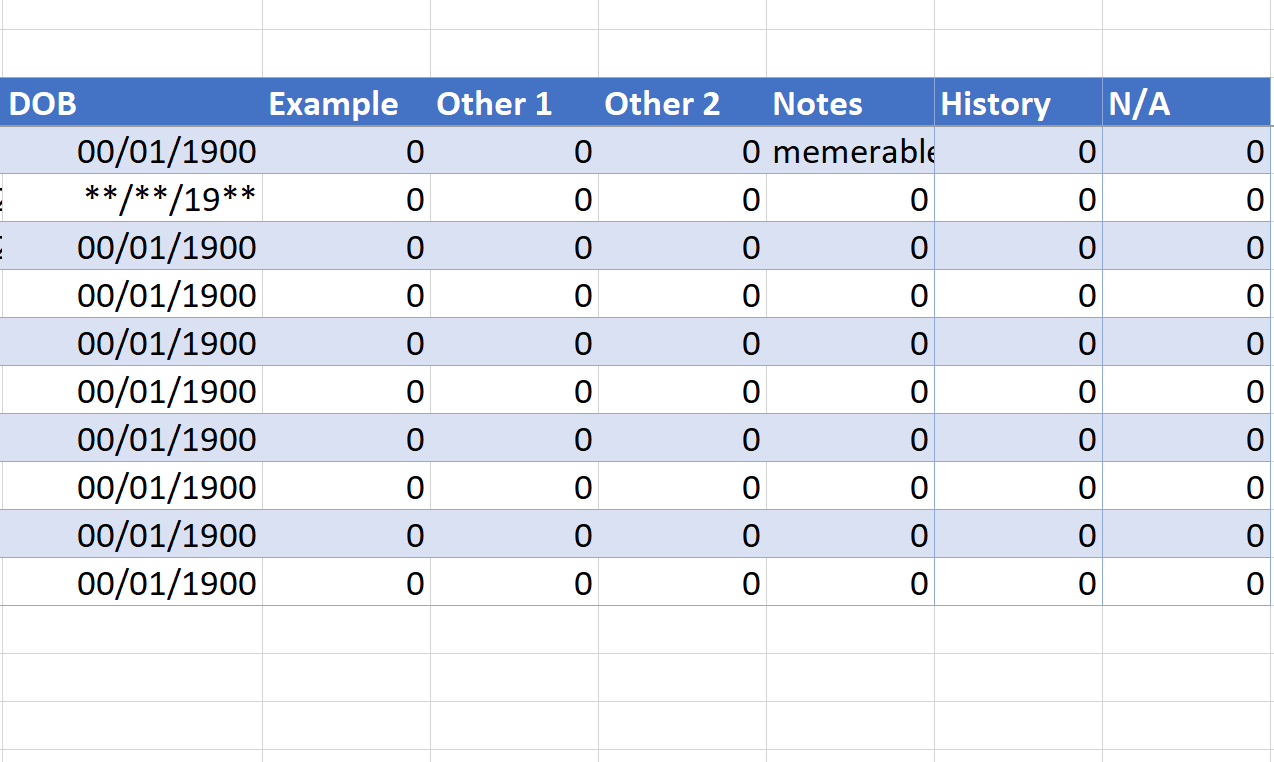

Thank you for that. I'm unable to make the first filtered formula work. I have two Ranges that I'm using from the Data Tab. Data which is A2:B35 and that includes the dates and the Item related to the dates. Then I have a Dates only range called Data_Dates which is A2:A35.
Here is my formula so far.
=LET(filtered(FILTER(Data,Data_Dates<>""),(sorted,SORT(Data),IF(sorted<>"",sorted,""))
However, using a much more simpler formula, does work.
=SORT(FILTER(Data,Data_Dates<>""))

You didn't get the syntax of the LET function quite right. As you observed earlier, the object is to assign local names to stages of the calculation. This is achieved by a list of comma-separated parameters which are taken in pairs, with a variable followed by its definition. To make this clearer, I use alt/enter to separate the parameter pairs to individual lines.
= LET(
  filtered, FILTER(Data, Dates<>""),
  sorted,   SORT(filtered),
  IF(sorted<>"",sorted,""))
This shows the zeros as blank fields. If you are happy with the 0s, the last line goes, in which case you might as well nest the 'filtered' formula within SORT.