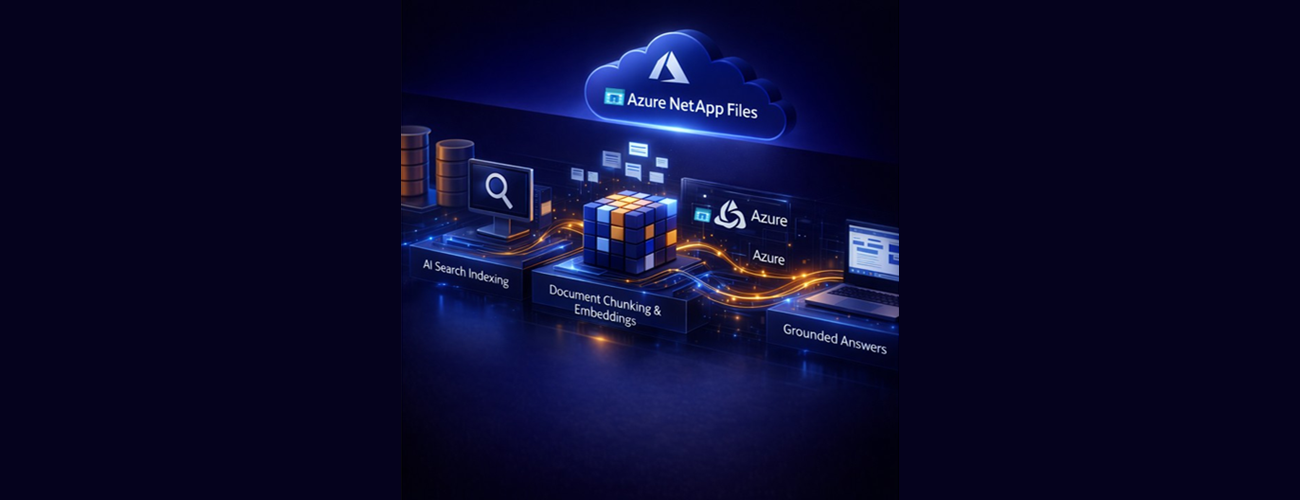
This is Part 2 of a 3-part series on extending AI to enterprise file data hosted on Azure NetApp Files, building on the data foundation to create a knowledge pipeline that makes enterprise file data usable by AI systems.
Table of Contents
Why a knowledge pipeline is required
Retrieval‑augmented generation (RAG) at enterprise scale
Knowledge pipeline architecture overview
Step 1: Indexing enterprise file content without moving it
Step 2: Creating semantic meaning with embeddings
Step 3: Retrieval at query time
Step 4: Grounded answer generation
Preparing for the Copilot experience
Introduction
In Part 1, From Enterprise File Storage to an AI-Ready Data Foundation using Azure NetApp Files and OneLake, we established the foundation: how Azure NetApp Files and Microsoft OneLake together transform enterprise file storage into an AI‑addressable data layer, without data migration, duplication, or workflow disruption.
But an AI‑ready foundation alone does not make data usable by AI.
|
⚠️Important Industry research shows that many AI initiatives fail before they ever reach production. According to IDC, fewer than half (44%) of AI pilot projects advance out of experimentation, with the primary limiting factors not being model capability but the quality of business data and the timeliness of access to it. IDC, *AI-Ready Data Storage Infrastructure: Definition, Taxonomy, Ontology, and Future Outlook*, IDC #US53709325, August 2025 |
To turn enterprise file data into something large language models can reason over, search, and cite, we need a knowledge pipeline, one that can understand unstructured content at scale, retrieve the right information at the right time, and ground AI responses in authoritative source data.
This is where Retrieval‑Augmented Generation (RAG) enters the architecture.
Co-authors:
- Thomas Willingham, Azure NetApp Files Product Manager
- Sean Luce, Azure NetApp Files Product Manager
Why a knowledge pipeline is required
Large language models are powerful, but they have a fundamental limitation in enterprise settings: they do not have inherent access to your organization’s internal data.
Even when data is accessible through a unified foundation like OneLake, these models cannot simply “read” files on demand. Enterprise AI systems require a mechanism to:
- Discover relevant content across large document sets,
- Understand the semantic meaning of unstructured files,
- Retrieve only the most relevant excerpts for a given question,
- Generate responses grounded in real documents, with traceability.
This is exactly what a knowledge pipeline provides.
Rather than pushing all enterprise data into a model, the pipeline keeps data in place, builds a continuously updated semantic index, and retrieves relevant information at query time. The AI model then generates answers based only on retrieved content, not on guesswork or generalized training data.
Retrieval‑augmented generation (RAG) at enterprise scale
At a high level, Retrieval‑Augmented Generation combines two functions:
- Retrieval – finding the most relevant pieces of enterprise content
- Generation – using a language model to synthesize an answer from those retrieved sources
For enterprise file data, this pattern is especially important:
- File repositories are large, dynamic, and constantly changing
- Content is unstructured and varies widely in format and quality
- Accuracy, traceability, and compliance are mandatory, not optional
RAG ensures that AI responses are grounded in current, authorized enterprise content, not inferred, outdated, or hallucinated knowledge.
Knowledge pipeline architecture overview
In this solution, the knowledge pipeline sits on top of the OneLake data foundation and connects enterprise file data to downstream AI experiences through three core services:
|
Component |
Role in the Knowledge Pipeline |
|
Microsoft OneLake |
Provides unified, zero‑copy access to enterprise file data |
|
Azure AI Search |
Indexes, chunks, and retrieves relevant content using keyword + vector search |
|
Azure OpenAI |
Generates semantic embeddings and synthesizes grounded responses |
Together, these services transform passive file data into an actively queryable enterprise knowledge system.
Step 1: Indexing enterprise file content without moving it
The pipeline begins with Azure AI Search indexing content exposed through OneLake.
Because OneLake references Azure NetApp Files volumes via shortcuts, Azure AI Search can read files directly, without copying them into another storage system. Files remain:
- Stored on Azure NetApp Files,
- In-place available via existing SMB / NFS workflows,
- Governed by their original security and ownership model.
Azure AI Search performs three key functions during indexing:
- Content extraction – reading text from supported document formats,
- Chunking – splitting large documents into semantically meaningful segments,
- Metadata capture – preserving filenames and contextual information.
This process creates a searchable representation of enterprise file content while leaving the original data untouched. As files change, this index is refreshed through re-indexing processes that regenerate embeddings for updated content.
Step 2: Creating semantic meaning with embeddings
Keyword search alone is insufficient for natural language queries.
To understand meaning, not just matching words, the pipeline uses vector embeddings generated by Azure OpenAI.
During indexing:
- Each document chunk is converted into a high‑dimensional vector that represents its semantic meaning,
- These embeddings are stored in Azure AI Search alongside the textual index.
This enables semantic similarity search, allowing the system to retrieve relevant content even when a user’s question does not match document wording exactly.
For example:
- A query about “incident response procedures” can retrieve documents titled “Security Escalation Playbook.”
- Policy intent matters more than literal phrasing.
This is critical for natural language AI scenarios, where users ask questions conversationally rather than searching by filename or keyword.
Step 3: Retrieval at query time
When a user submits a question, for example through an AI agent, the knowledge pipeline activates in real time.
At query time:
- The question is converted into an embedding,
- Azure AI Search performs vector similarity search against the indexed content,
- The most relevant document chunks are retrieved,
- Source metadata (including filenames) is preserved.
Only the retrieved content is passed to the language model for response generation.
Example: How retrieval works in practice
A user asks: “What is our incident escalation procedure for data breaches?”
The system retrieves relevant sections from documents such as a “Security Escalation Playbook” stored on Azure NetApp Files, and passes only those excerpts to the language model to generate a grounded response with source citations included.
This design ensures:
- AI responses are based on actual enterprise documents,
- The scope of information is tightly controlled,
- Results remain explainable and auditable.
Step 4: Grounded answer generation
Finally, Azure OpenAI synthesizes a natural language response using only the retrieved content.
The model does not infer beyond the supplied sources. Instead, it:
- Summarizes relevant information,
- Resolves ambiguities across multiple documents,
- Produces an answer grounded in enterprise data.
Because filenames are preserved throughout the pipeline, downstream interfaces, such as an AI agent, require responses to include explicit source citations.
This is especially important in regulated and compliance‑driven environments, where users must be able to verify where an answer came from.
Why this architecture matters
The knowledge pipeline solves a problem that generic AI integrations cannot:
- No data movement – files remain on Azure NetApp Files,
- No re‑platforming – existing workflows continue unchanged,
- No trust gap – every answer can be traced back to a real document.
Instead of forcing enterprises to restructure their data to fit AI tools, this architecture adapts AI to how enterprises store and manage knowledge.
The result is a living knowledge system:
- Updated as content changes through re-indexing processes that refresh the semantic index,
- Scalable across millions of documents,
- Ready to support multiple AI experiences, not just a single user-facing scenario.
Preparing for the Copilot experience
At this point, the pipeline has done the hard work:
- Enterprise file data is accessible through OneLake,
- Semantically indexed and searchable,
- Ready for controlled, grounded AI access.
What remains is exposing this capability to end users; safely, consistently, and within the tools they already use.
This knowledge pipeline provides the governed, retrieval‑ready foundation that enterprise AI agents can consume and orchestrate, before being surfaced to end users through downstream user experiences.
Key takeaway
Enterprise file data becomes a living, queryable knowledge system, without moving, copying, or restructuring a single file, eliminating the operational “copy-tax” associated with data duplication.
By combining Microsoft OneLake, Azure AI Search, and Azure OpenAI, the knowledge pipeline transforms the zero‑copy data foundation into an actively searchable enterprise resource. Every AI response is grounded in real documents, traceable to its source, and scoped to authorized content.
With the knowledge pipeline in place, the next step is surfacing this capability to end users in a secure and intuitive way.
In Part 3, Bringing Enterprise File Data to Users with Microsoft Foundry, M365 Copilot and Azure NetApp Files, we’ll explore how this pipeline is exposed through enterprise AI agents and user experiences, and governed by Microsoft Foundry, enabling natural language interaction with enterprise file data, complete with citations, governance, and enterprise controls.
Learn more
- From Enterprise File Storage to an AI-Ready Data Foundation using Azure NetApp Files and OneLake
- Bringing Enterprise File Data to Users with Azure NetApp Files, Microsoft Foundry, and M365 Copilot
- Retrieval‑Augmented Generation (RAG) with Azure AI Search | Microsoft Learn
- Integrated vectorization with Azure OpenAI embeddings | Microsoft Learn
- Connect OneLake to an Azure NetApp Files volume using object REST API | Microsoft Learn

 Microsoft