Forum Discussion

Word application printing issue
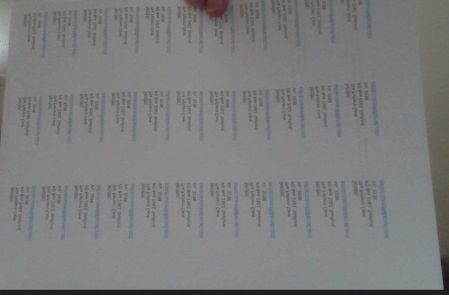

SueW1495 Are you using Mail Merge to create the labels? If so, how does the output look if you use the Edit Individual Documents destination, rather that merging directly to the Printer.
Also, If you print a page of labels onto plain paper, how does the print line up with the label sheet.
I downloaded the Unistat 28931 from the Unistat webside and there is nothing peculiar about that document that would cause the issue.
Looking at the picture that you posted, there does not appear to anything wrong with the horizontal layout, however there does appear to be excessive space at the top of the sheet. That could be cause by the printer not handling the label media correctly which is a common problem with some inexpensive ink-jet printers.
To upload a file, use the Drag and drop here or browse facility

There have been two documents (attached, and thank you for telling me how to do it) that have caused problems. The first, the Return Address one, is the Unistat 38931, set up as a Mail Merge I think, and the second is the Thanks label, which has been set up in Word as a table. Both are A4 documents. Both look fine when viewed either as a document or on the Print preview page, but they end up smaller when actually printed. As a result, the address label doesn't fit the Unistat layout, and the double-sided pages of the Thanks one end up not fitting on the labels, so are useless. They just seem to be quite a bit smaller overall, printing with space both at the bottom and on the right hand side.
I have absolutely no idea what to do. They have both (especially the Thanks one) been printed frequently on my HP Envy printer, and it is only since HP replaced my last (identical) one that there has been a problem. They both printed really well on my previous Epson printer (which kicked the bucket) and that was only a $39 printer - can't get much cheaper than that.
From memory, there was an issue when I first got the original HP Envy printer about a year ago, but Microsoft (or HP, I can't remember which) fixed that for me, and it's only on this one that nobody seems to be able to sort it out for me.
I'm definitely the wrong generation (I'm in my 70s) to understand technology very well, so I reallly need the help on this. I do appreciate your time and effort - thank you.