Forum Discussion

When doing the spelling and grammar check, it doesn't correct small i?

Bhupinder1 , I think the issue is in the pasting. If i changes to I when you type, it means that the default set up is correct.
It is difficult to judge without seeing it with our own eyes, but I think that when you paste the spellcheck is either 'muted' or is in different language that treats the 'i' differently.
I cannot judge correctly without actually seeing, but I have a hunch that this is the reason.
All posts here are relevant, but we are missing something from your, the correct input. Please check the source and the target setting, check the paste options, check how you paste (do you paste using CTRL+V or do you paste 'Text only'?). The solution is in there, I am confident.

- Lenka_KerumovaAug 13, 2021Iron Contributor
Right.
Bhupinder1 , there is no issue with your punctuation because there is no punctuation. You can't expect Word to know where a sentence is ending, or when you want to separate clauses or phrases.
Look at my example - no punctuation, and Word doesn't pick it up. The grammar checker is there to help if you make a mistake, but you need to meet certain conditions,which you currently don't.
- Bhupinder1Aug 12, 2021Copper Contributor
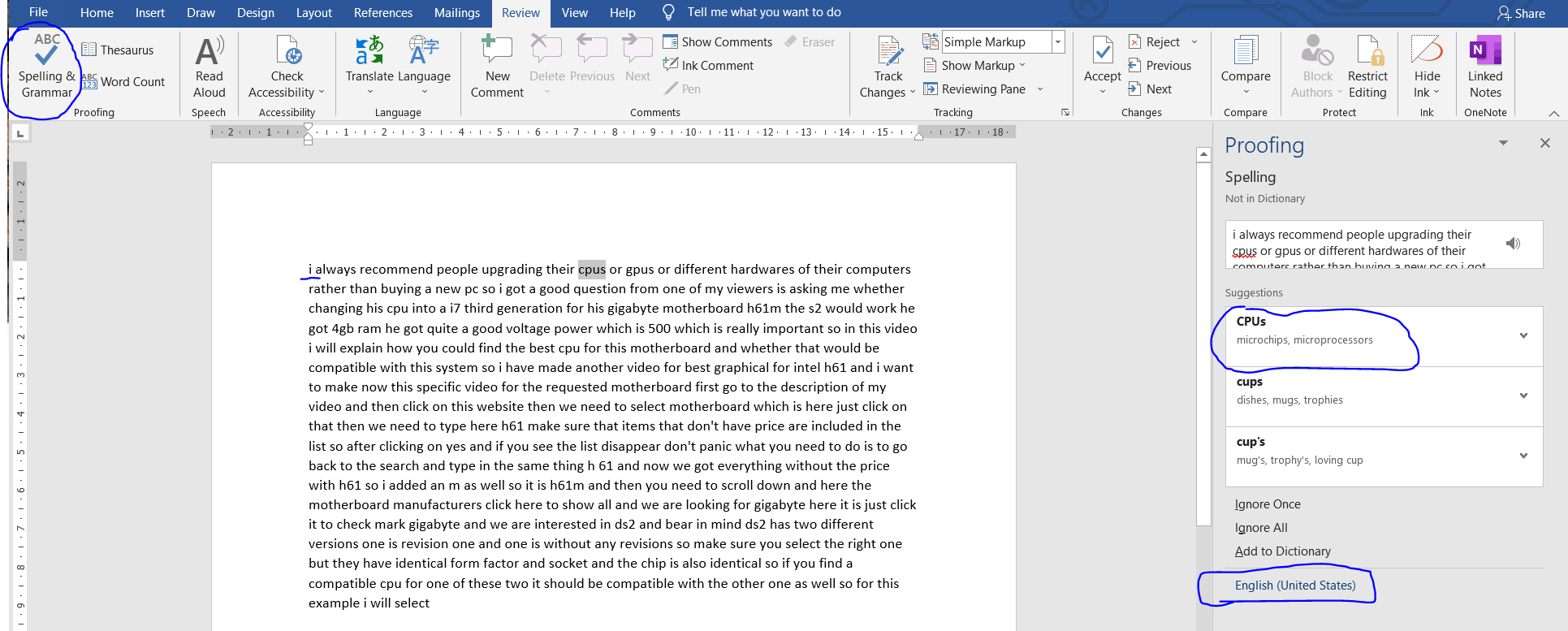
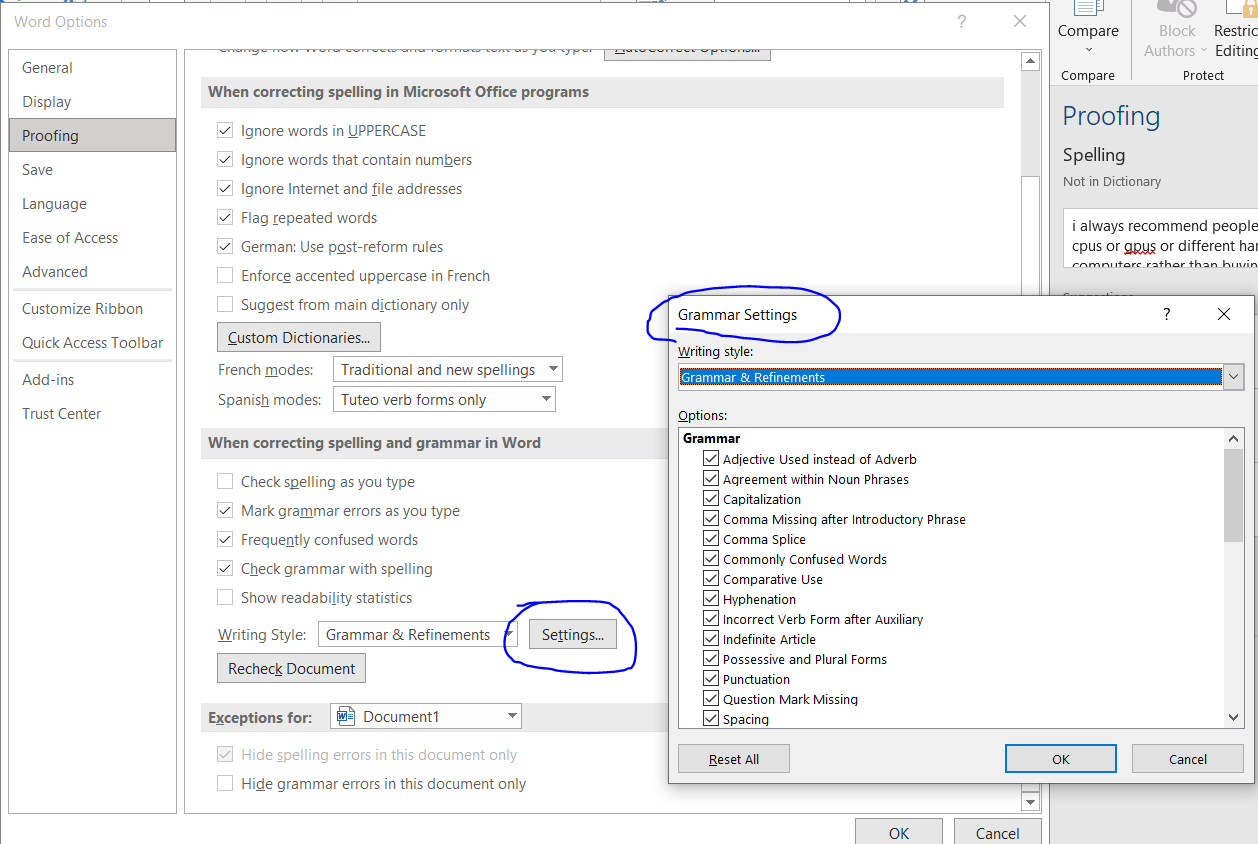
Lenka_Kerumova Thanks for all the effort in trying to help me. I have attached the snapshot of the settings and the text. As you can see in the text snapshot, it has detected cpus to CPUs but still didn't detect i. In snaphshots 2 and 3 there are more settings that I might help but I'm not sure what to change there. If the problem is still not resolved then I'll use Ctrl+H and replace i manually. But, I still have the problem with the punctuations as well?
- Lenka_KerumovaAug 11, 2021Iron Contributor
Hello Bhupinder1 ,
Of course it does, but you mentioned that "it corrects i'm to I'm".
One last question - have you tried Microsoft on-line support?
I appologise for repeating myself, but we are unable to help as we don't have access to your PC. I can replicate your issue, but since I have not seen the many settings these can influence it (you didn't give us print-screens of the settings), the only way to get help is to get someone on-line to connect to your PC.
If you didn't try that, might I suggest that you do? Or any other on-line help with the option of connecting to your PC.
Or, if you can't do that, get a workaround in place to replace i with I.
Or, since you haven't mentioned how long or when it started happening - reinstall.
- Bhupinder1Aug 11, 2021Copper Contributor
Lenka_Kerumova Auto correct only works when typing live. After copy pasting the paragraph, I go to the Review Tab and select "Spelling & Grammar". Then, it goes through each wrong word with a suggestion. It finds most spelling errors except i.
- Lenka_KerumovaAug 10, 2021Iron Contributor
yes it does, please see my previous post. Like I said, I can replicate your issue under certain conditions (using the same proofing language setup).
I am sorry but I am unable to help you further without connecting to your computer.
"How could it correct i'm to I'm and not i to I? I tried different pasting options as well. "
To me this means that it is not punctuation problem but proofing setting issue.
Also, it just dawned on me - are you talking about autocorrect (your words - it correct i'm to I'm) or just that the spelling shows that i is/isn't correct with the read line?