Forum Discussion

James_Couch
Jul 01, 2024Copper Contributor
TOC page numbers lists page 1
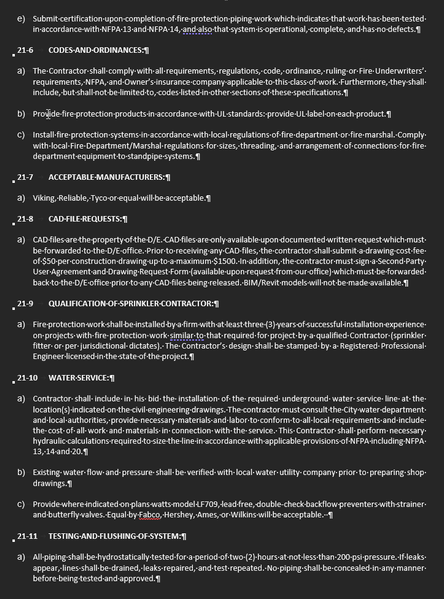
I am having an issue with Word's Table of Contents. This file was working correctly until a couple of months ago. I use RD to reference 5 different word documents to create the Table of Contents and ...

luckyphil78
Jul 01, 2024Copper Contributor
James_Couch I've had this issue for a long time with my engineering reports which I create with mail merges, where the TOC does not update properly. This is a workaround so I'd be interested in seeing if you get a better solution. I keep a separate word doc with the table of contents section.
When I merge a new document I copy the TOC page and paste into the TOC section of the engineering report, then when I've finished creating the report I highlight the TOC sections, right click and select update page numbers.

Charles_Kenyon
Jul 01, 2024Bronze Contributor
I believe the first page for each record in a mail merge will be numbered 1.
You can use my Continuous Page Numbering Add-In to make them all continuous.
- luckyphil78Jul 03, 2024Copper ContributorThank you Charles, I will look into that.