Forum Discussion

Trying to get remove table formatting
- Aug 02, 2023
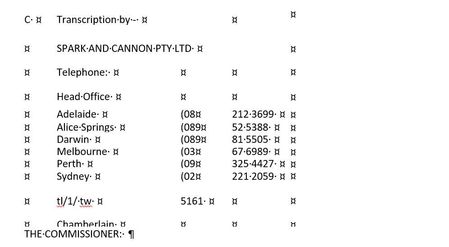
Noone_Important With the selection in the table, go to the Layout tab of the ribbon (the one to the right of Table Design), and click on "Convert to Text".
In the next dialog, select the character to be used to separate the text. If the first one that you select does not give the desired result, BEFORE doing anything else, click on Undo and then try a different character. Tabs will usually work best, but not always.

Noone_Important You could use a macro containing the following code:
Dim i As Long
With ActiveDocument
For i = .Tables.Count To 1 Step -1
.Tables(i).ConvertToText
Next i
End With
I'm sure your advice will work perfectly. I am going to have to research a bit more about how to create and run macros.
- Charles_KenyonMar 26, 2024Bronze Contributor
" I have very little idea what I am doing with macros. I try to create and run the one using the text you include, but when I try to run it, it says "Compile error: Invalid outside procedure".
I'm sure your advice will work perfectly. I am going to have to research a bit more about how to create and run macros."Resources:
- Install/Employ VBA Procedures (Macros) by Greg Maxey
- Instructions for Installing Macros from Forums or Websites by Graham Mayor, MVP
I realize I came late to this but thought these might help someone else reading this thread. Note that while you may need to use a macro, substantial cleanup is likely to be needed for each table. Doing them manually one by one may be the best choice.
Do your formatting using Styles.
The Importance of Styles in Microsoft Word
This is especially important with longer documents.
- Aug 10, 2023
Noone_Important You need to have that code inside a
Sub MacroName()
[put the code here]
End Sub
construction
