Forum Discussion

Cannot turn off Copilot in MS Word for Windows as "Enable Copilot" is missing...
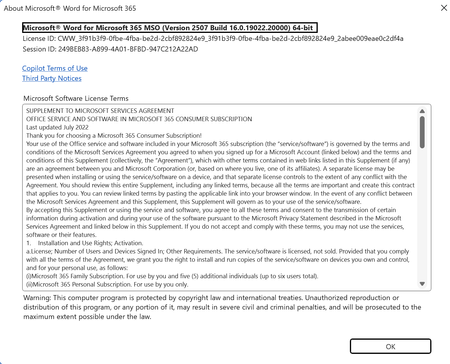

Take this, it appears when in WORD version 2412 or later on Windows 11 and Microsoft 365 Personal or Family subscription (not a work or school account):
Turn off Copilot in Microsoft 365 apps - Microsoft Support
https://answers.microsoft.com/en-us/msoffice/forum/all/how-to-disable-or-remove-copilot-from-word-there/5116e21b-c535-4b27-8061-ad84f43dfa97
 LydiaMACApr 28, 2026Copper Contributor
Kidd, while it is appreciated that you offer the link...It does not hold valid information. I am on version 2604 and Copilot is not available to choose under File Options. Not sure where to fix this, but not there!
 CHI-LynxJul 08, 2025Tin Contributor
So on M365 Enterprise you cannot disable Copilot on Word? I am also encountering the same issue where the Enable Copilot checkbox is not showing on word. It's showing on Excel but not on PowerPoint either.
- Stefan_BlomJul 10, 2025MVP
In business subscriptions, you should be able to activate/deactivate Copilot in the Microsoft 365 Administrator settings.
